
EDocGen Integrations
Connect EDocGen to every data source, enterprise application, and delivery channel your team already uses. No middleware. No ETL pipeline. Just connect and generate.
CRM & Business Application Integrations
Generate documents directly from your CRM data — quotes, proposals, contracts, invoices, and onboarding packs — without exporting data or switching tools.
Salesforce AppExchange + API
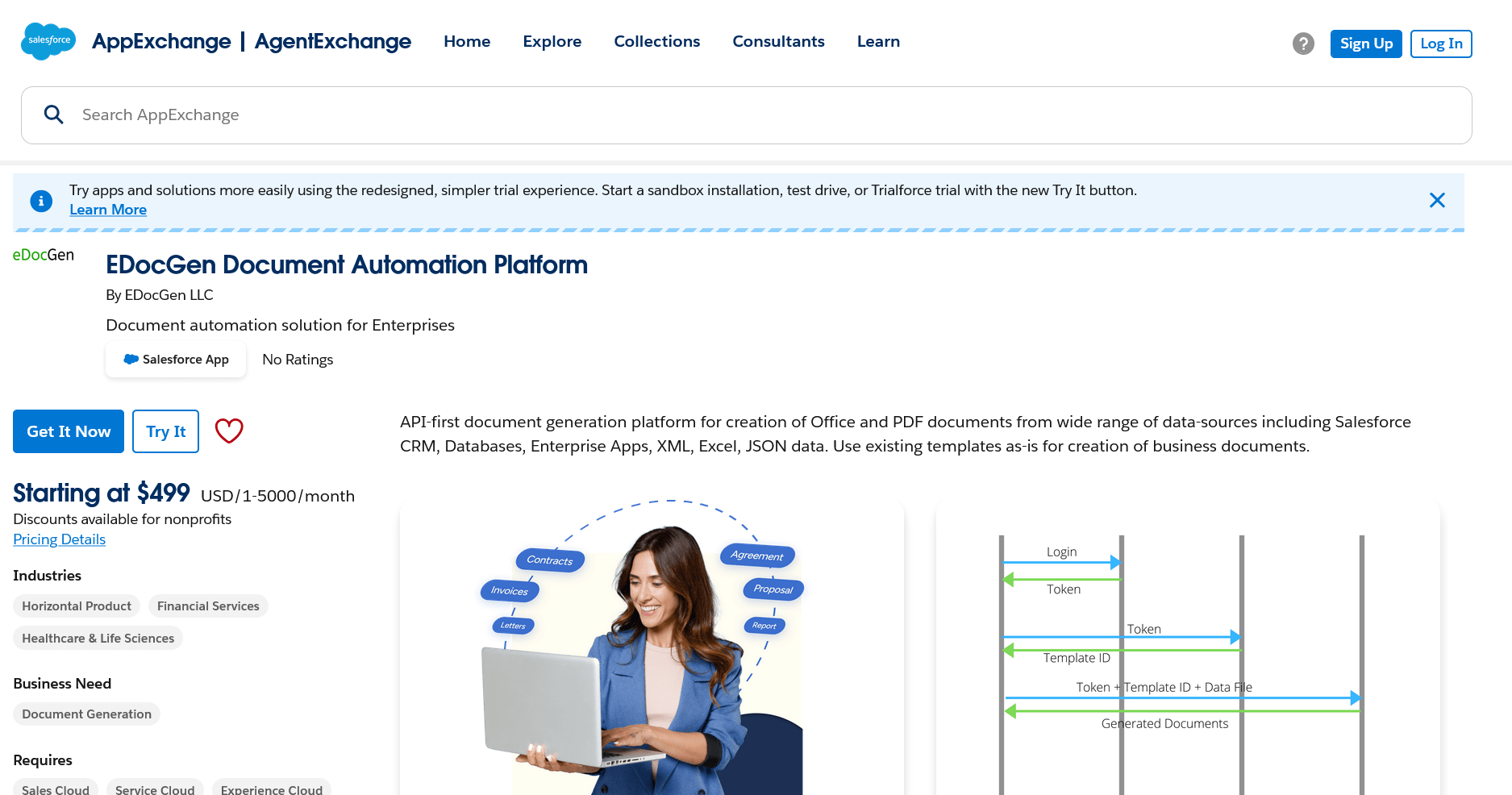
EDocGen integrates with Salesforce in two ways: a native AppExchange app for clicks-not-code setup, and a REST API integration for custom workflows. Generate PDF, Word, PPTX, and Excel documents from any Salesforce object — Opportunities, Accounts, Contacts, Cases, or custom objects — and deliver them via email or eSign directly from within Salesforce.

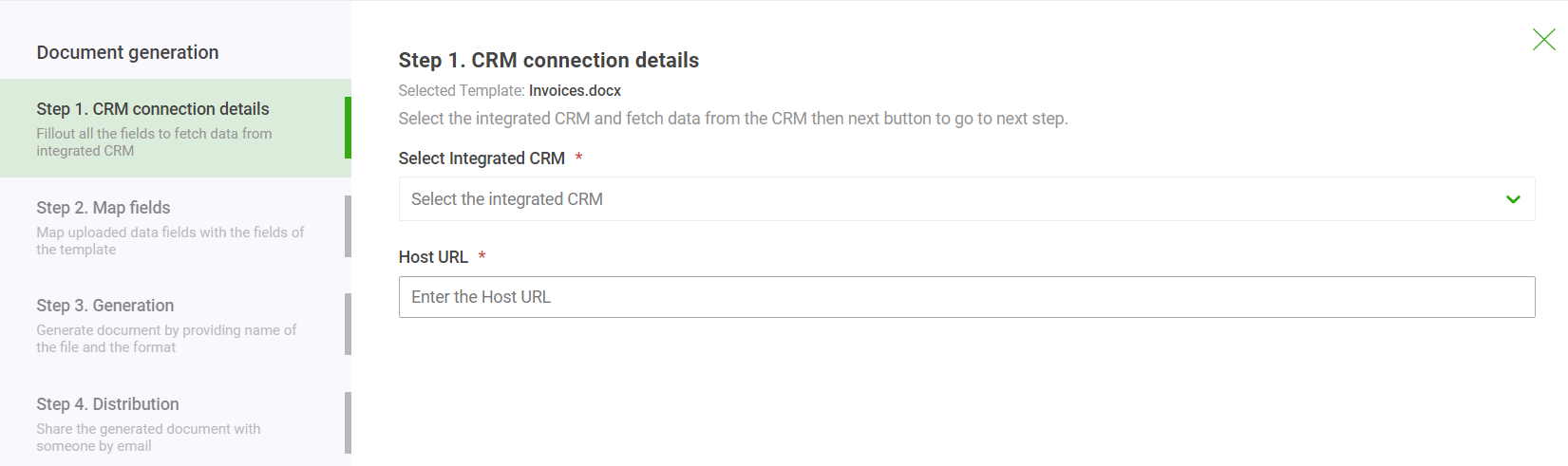
How it works — Salesforce REST API:
- 1Authenticate using Salesforce OAuth 2.0 to obtain an access token.
- 2Run a SOQL query against the object containing your document data.
- 3Pass the query result as JSON to the EDocGen document generation endpoint.
- 4EDocGen populates your Word or PDF template and returns the finished document.
→ Salesforce Document Generation Guide · Salesforce Invoice Automation · Salesforce PDF Generator Guide
Microsoft Dynamics 365 REST API
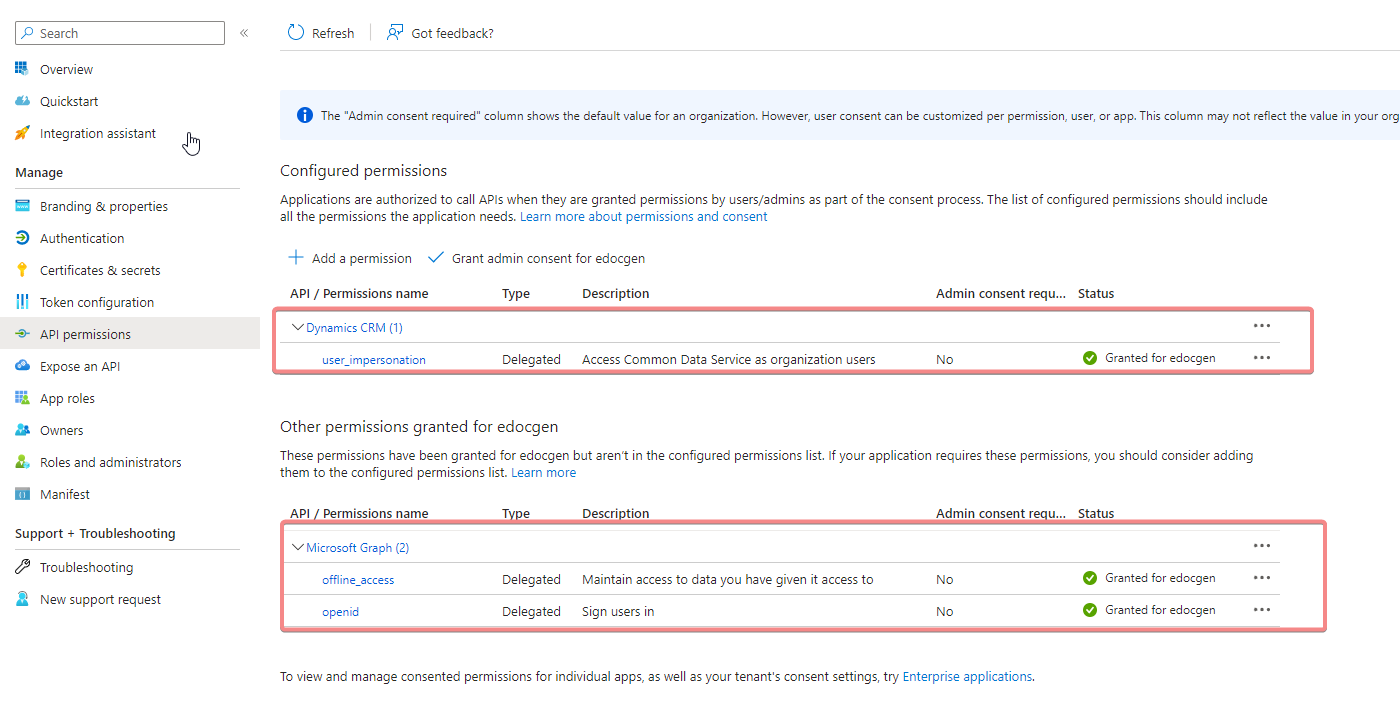
Connect EDocGen to Dynamics 365 Sales, Customer Service, or Finance via its Web API. Retrieve entity data from any Dynamics module, map fields to your document template, and generate documents for quotes, proposals, contracts, and service reports.
Database Integrations
Connect EDocGen directly to your database using a connection string and SQL query. No data export or ETL step required. Business users can generate documents on-demand or schedule batch runs — no coding needed.
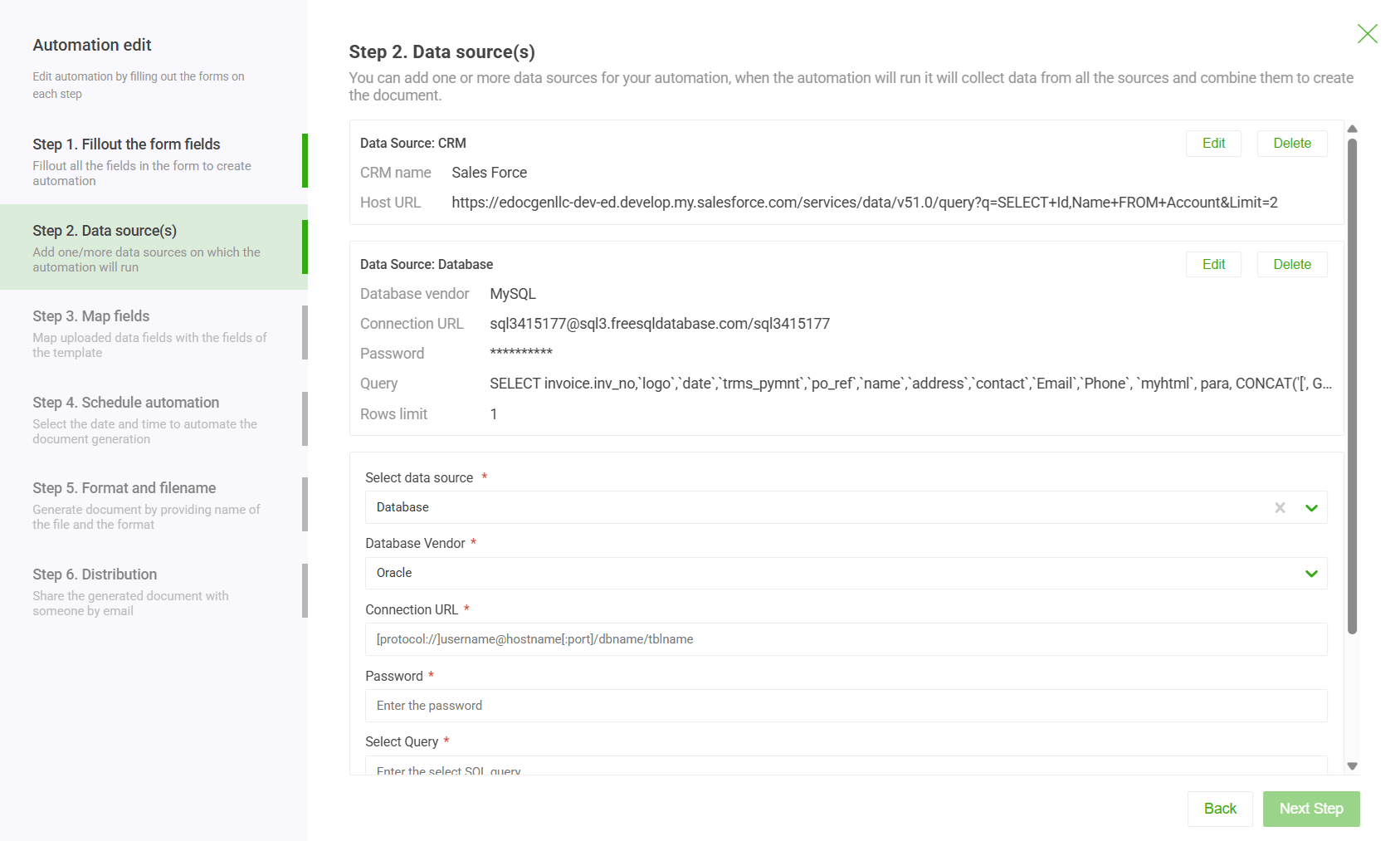
Microsoft SQL Server
Connect to SQL Server (on-premises or cloud) using a standard JDBC/ODBC connection string. Write a SELECT query to pull the data, map columns to template fields, and generate documents in batch or on-demand.
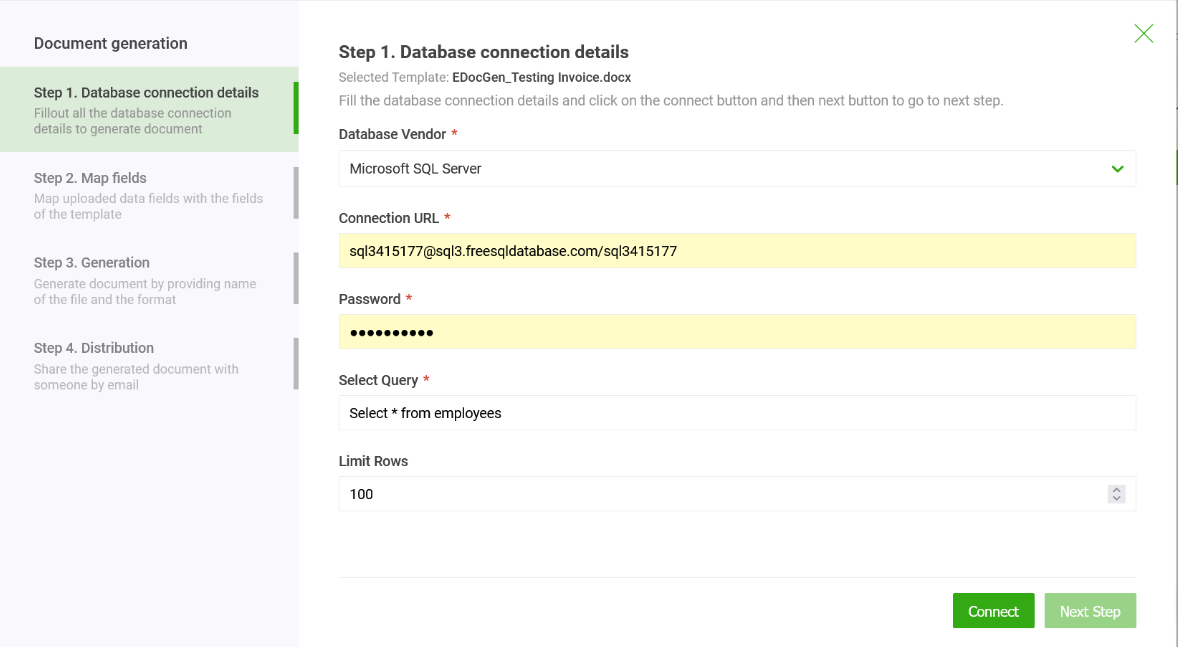
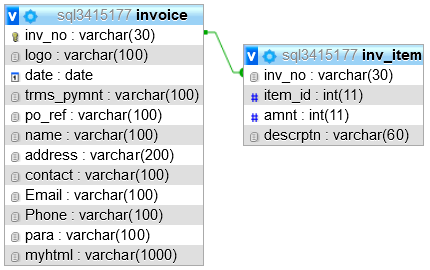
Oracle Database
Generate PDF and Word documents directly from Oracle Database. EDocGen connects via Oracle JDBC, runs your native PL/SQL query, and produces documents in batch or on-demand mode. Business users and DBAs can use it without writing code.
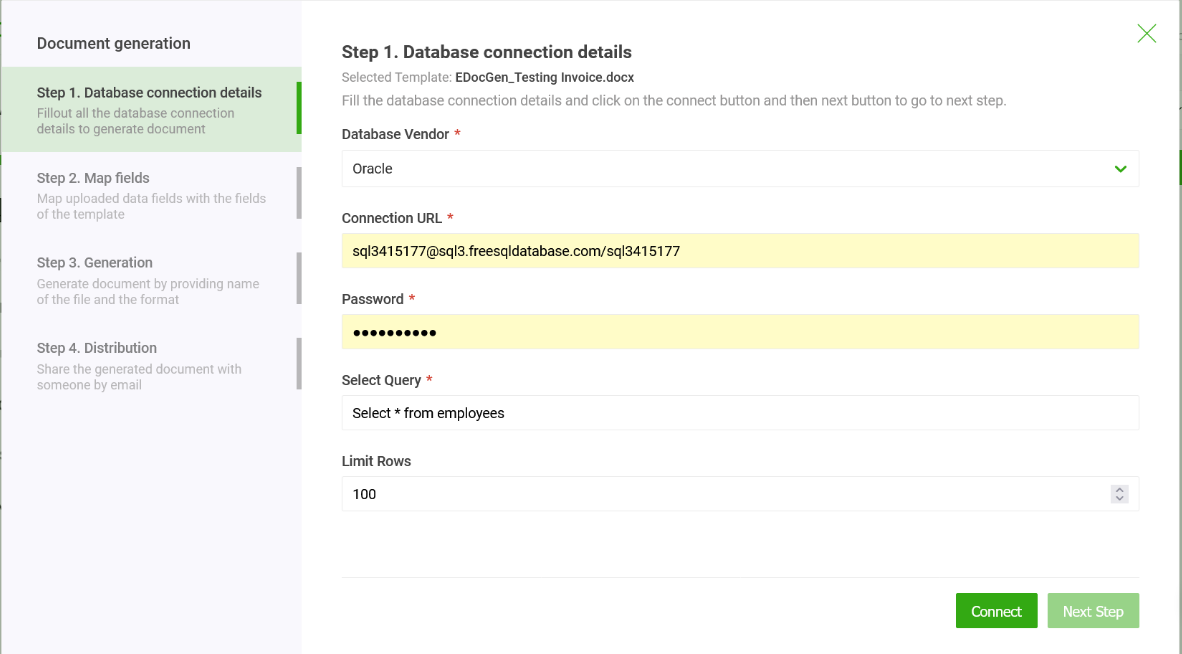
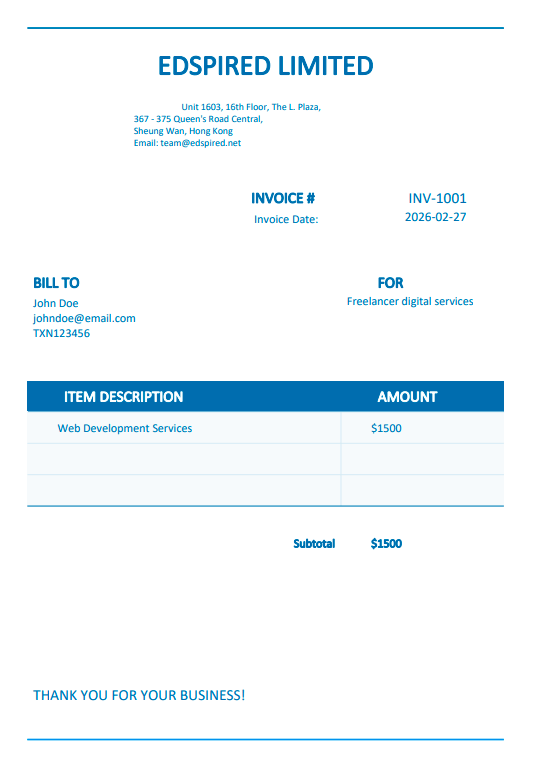
MySQL
Connect to MySQL or MariaDB using a standard connection string. EDocGen supports MySQL's JSON_ARRAYAGG for nested data and generates PDF, Word, PPTX, and Excel documents in bulk.
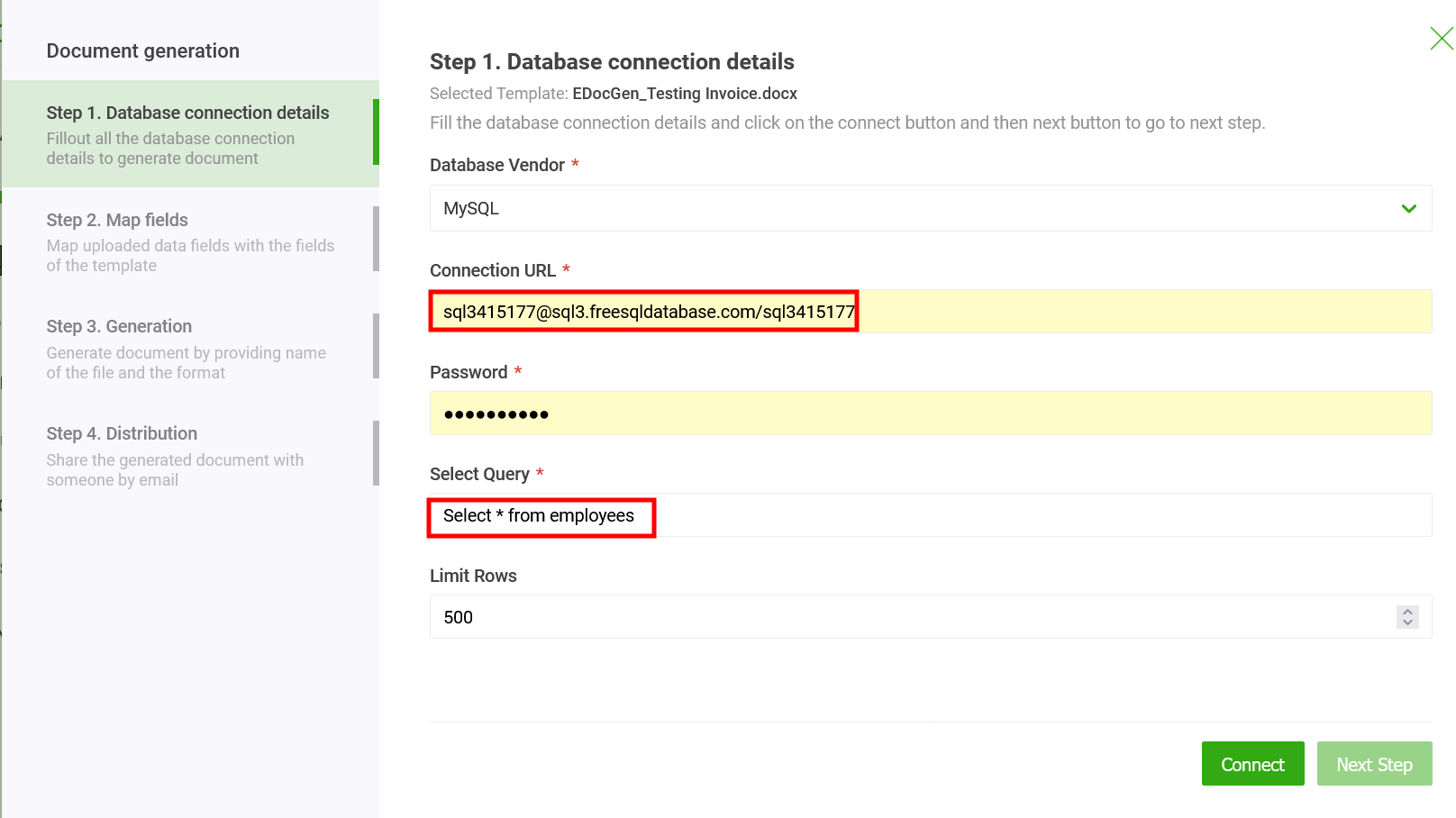
PostgreSQL
EDocGen connects to PostgreSQL via JDBC. Use json_agg to build nested arrays for repeating sections and generate reports, statements, and compliance documents from your PostgreSQL data.

MongoDB
Connect to MongoDB using a MongoDB connection URI. EDocGen queries your collections, flattens or passes nested documents directly into your template fields, and generates documents in bulk.
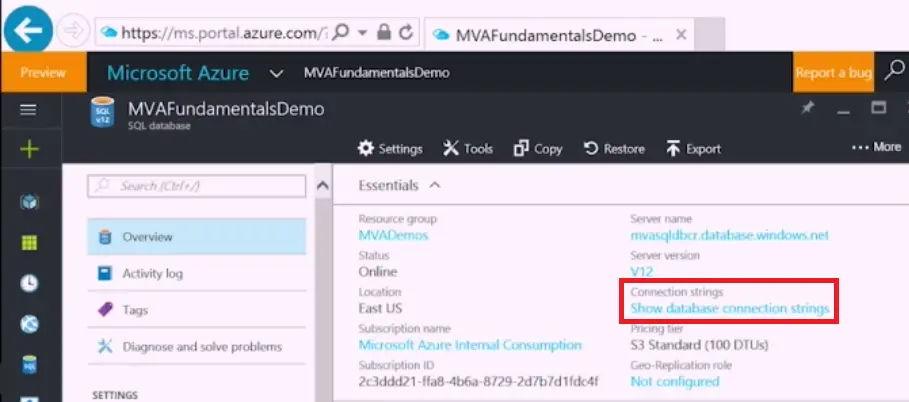
Azure SQL Server
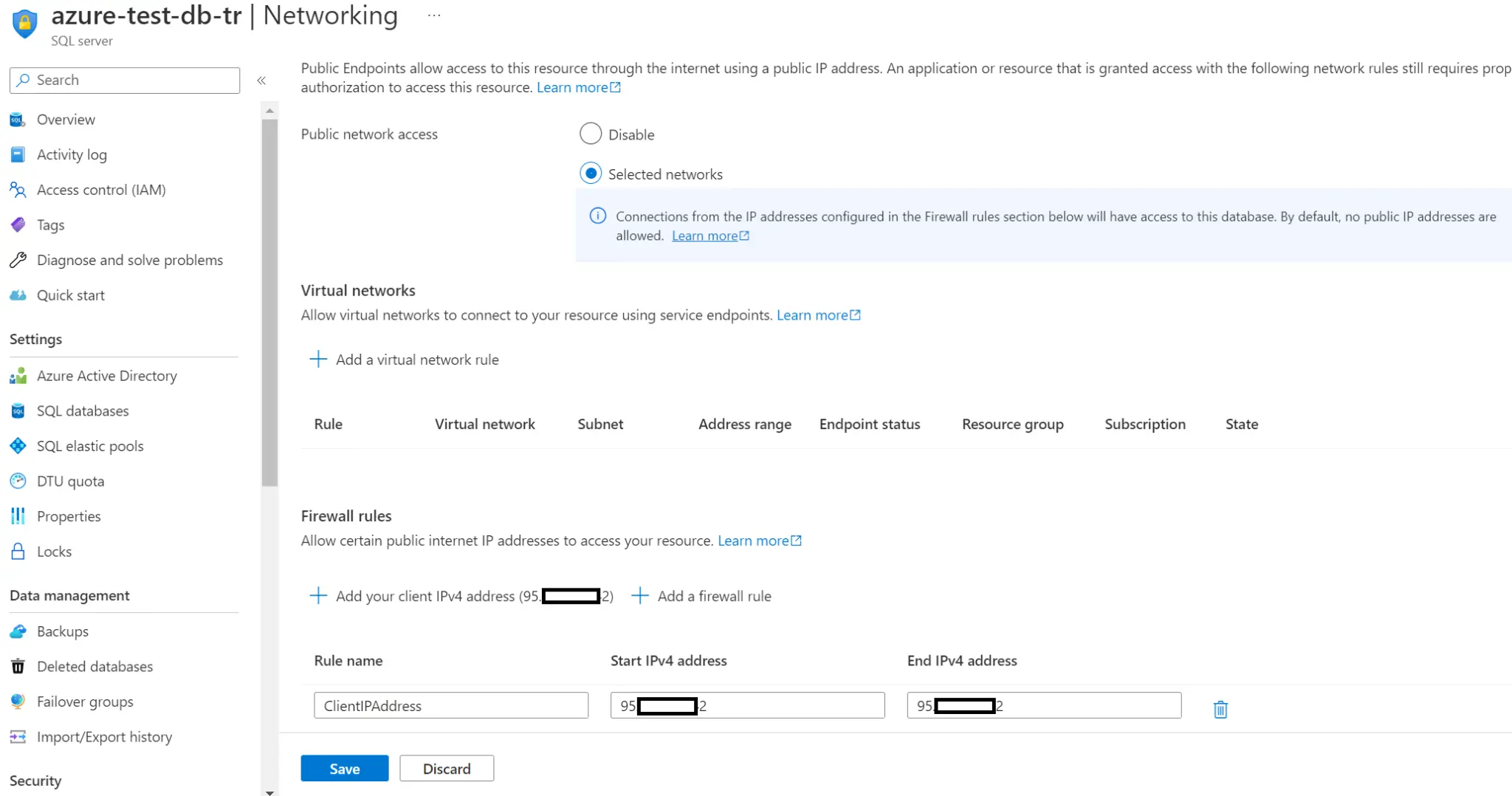
EDocGen connects to Azure SQL Server using an Azure connection string. No firewall setup required beyond standard Azure outbound access. Supports both basic and managed identity authentication.
Data File Integrations
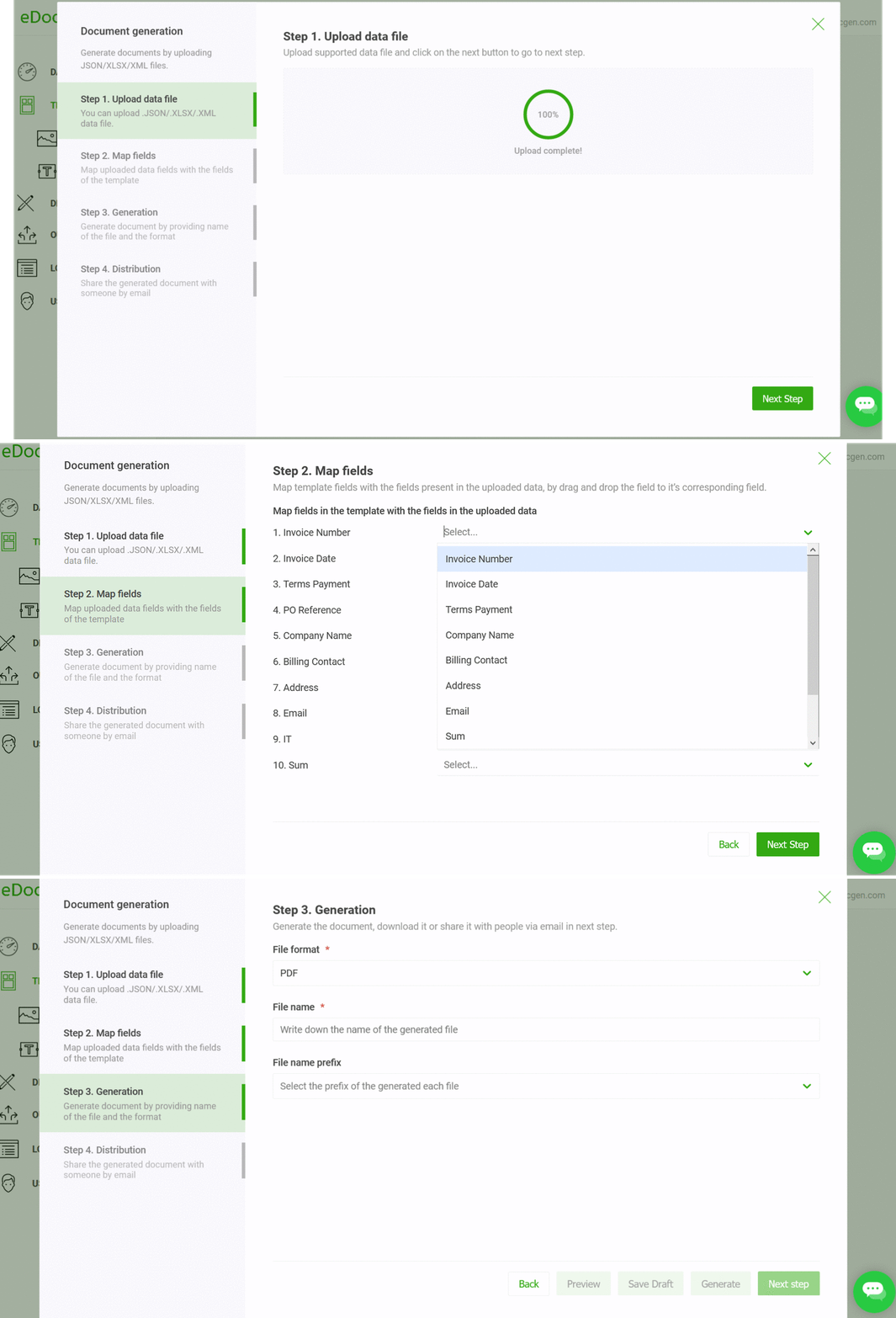
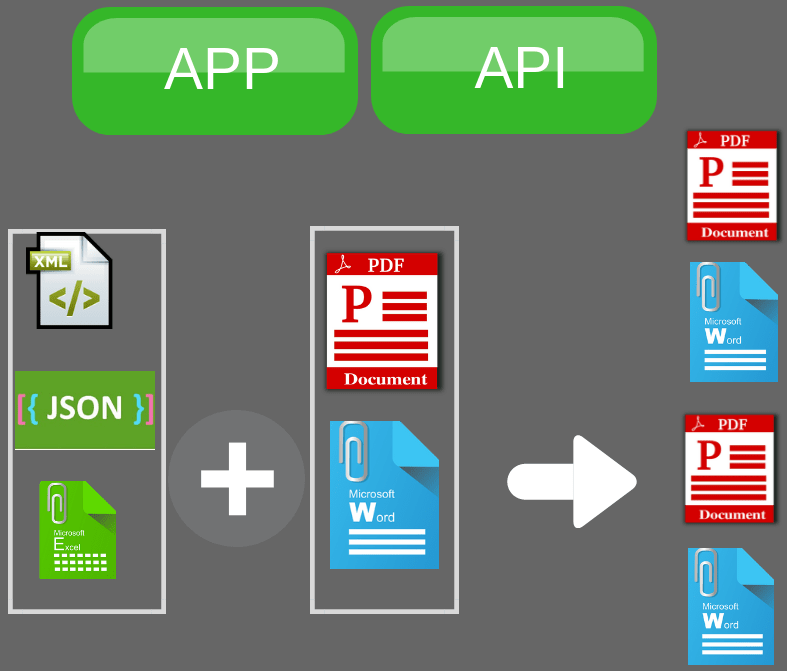
Upload a structured data file to generate documents on-demand or in bulk. No database connection required — ideal for finance teams, HR, and operations users working from spreadsheets or data exports.
Generate from any JSON payload or API response
Populate templates from XML data files
Mail-merge Excel rows into document templates
JSON — Generate Documents from Any API or Data Export
Pass a JSON object or array to the EDocGen API and it will populate your template fields, loops, conditional sections, and nested tables automatically. This is the primary integration pattern for connecting EDocGen to any REST API, microservice, or data pipeline.
→ JSON to PDF Example · JSON to Word Guide · JSON to PowerPoint Example
XML — Universal Data Interchange Format
EDocGen natively parses XML files and maps elements to template tags. Supports nested elements, attributes, and namespaces. Ideal for ERP exports, EDI data, and regulatory filings that produce XML output.
→ XML to PDF Guide · XML to Word Guide · XML to PowerPoint · Convert XML to PDF
Excel (XLSX) — Mail Merge for the Modern Enterprise
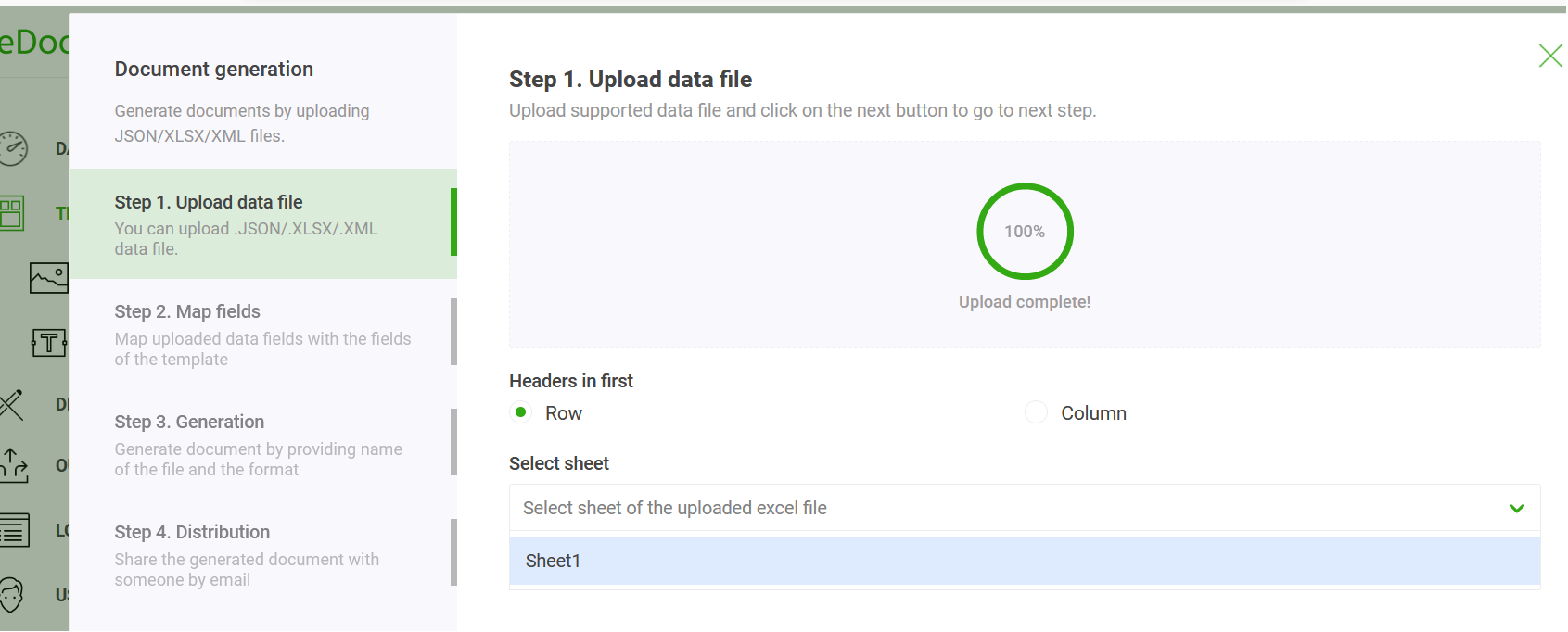
EDocGen goes far beyond basic mail merge with Excel. It supports vertical and horizontal data orientations, many-to-one merging (multiple rows into one document), multiple tables per document, dynamic images, and conditional sections — all from a single Excel file.
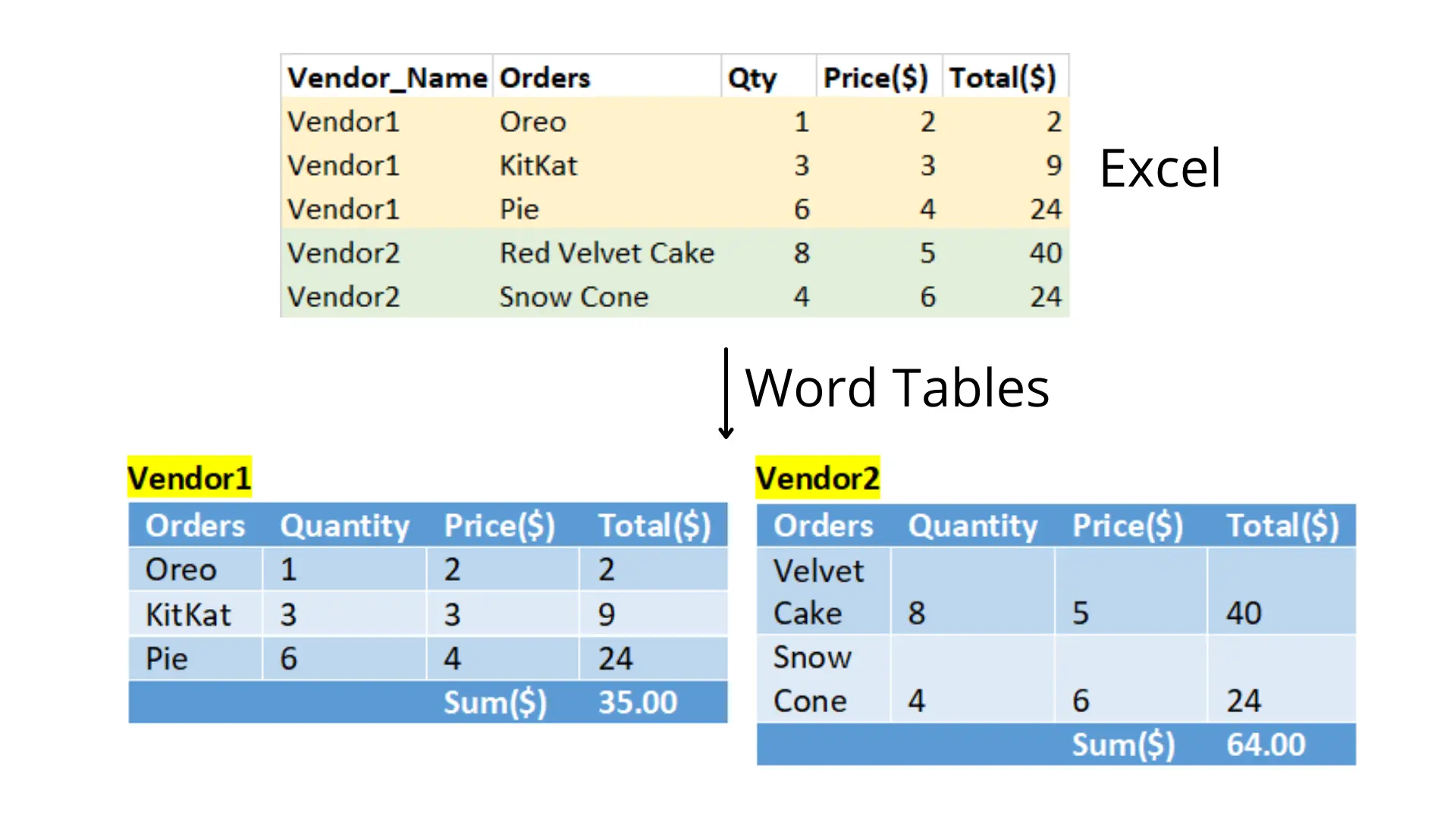
→ Export Excel to Word Guide · Fill PDF Form from Excel · Excel to PDF · Excel to PowerPoint
Document Distribution Integrations
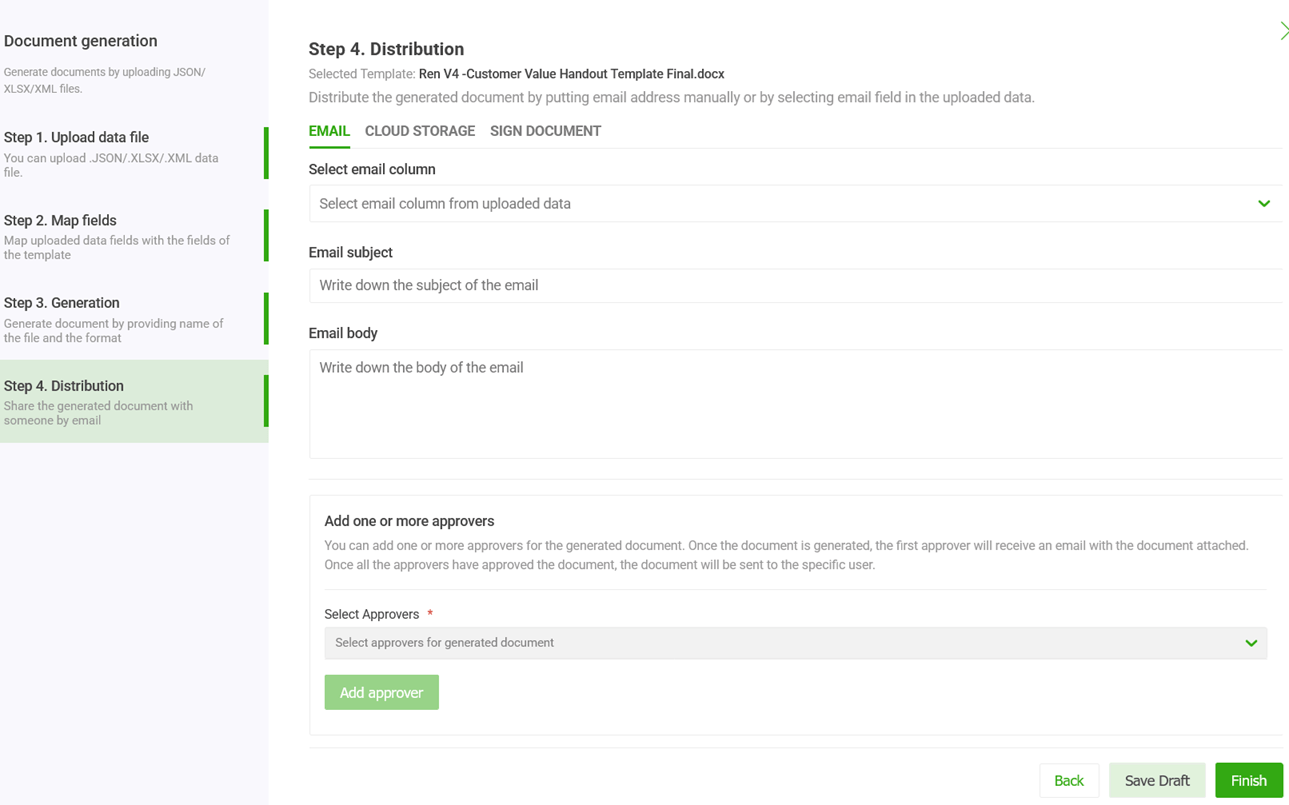
EDocGen doesn't just generate documents — it delivers them. Configure distribution channels once and every generated document is automatically routed to the right destination without manual steps.
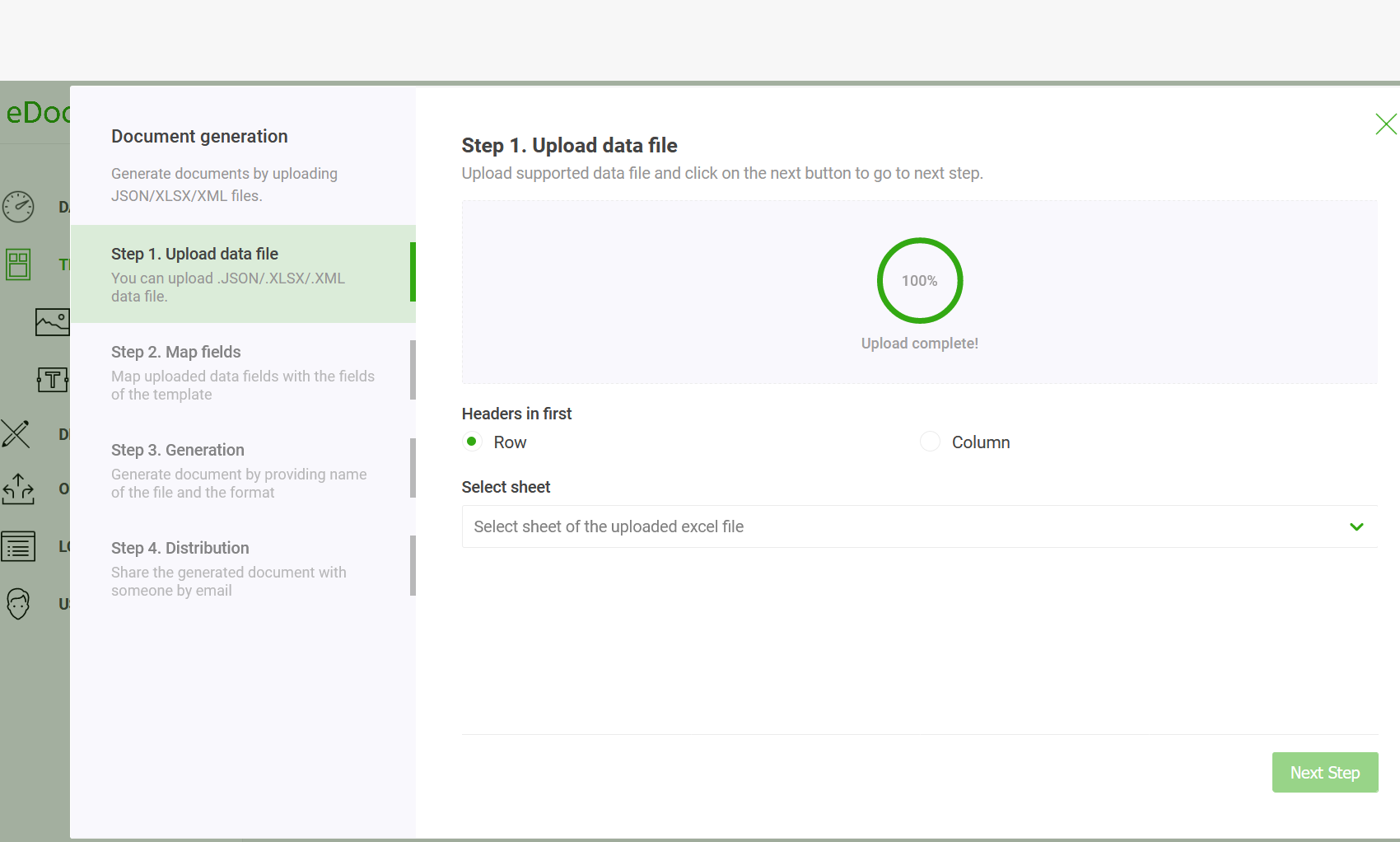
Email Delivery
Automatically email generated documents to recipients. Configure sender name, subject, body, reply-to, and CC/BCC. Supports per-recipient personalisation from your data source.
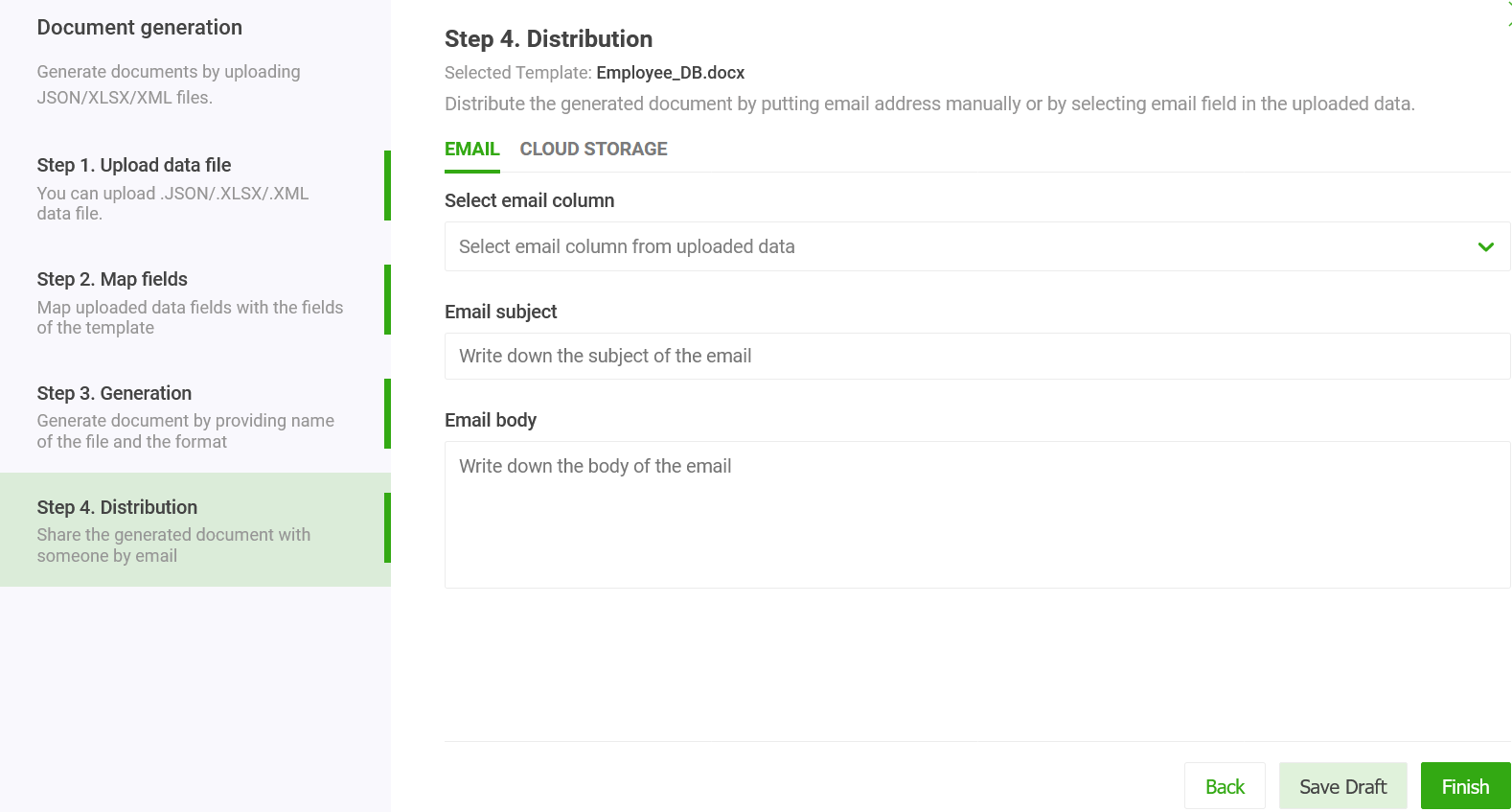
eSign Integration
Send generated documents directly to an eSign provider for signature. EDocGen triggers the signature request automatically after generation — no manual upload needed.
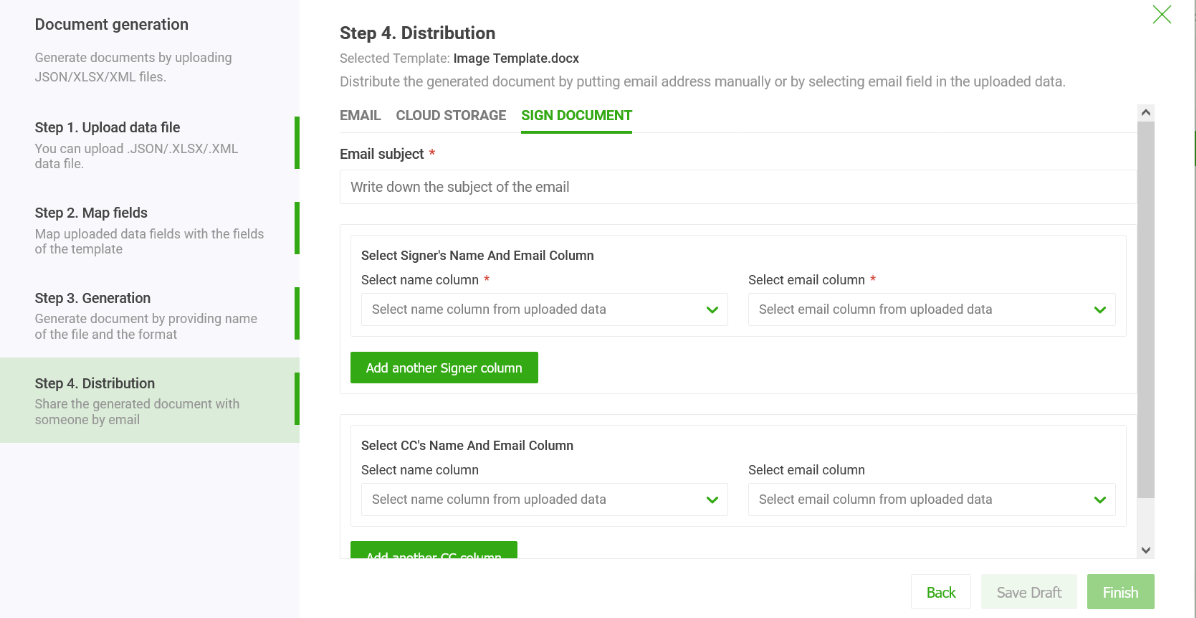
Microsoft OneDrive & SharePoint
Save generated documents directly to OneDrive or SharePoint libraries. Supports folder routing so documents are automatically organised by customer, date, or document type.
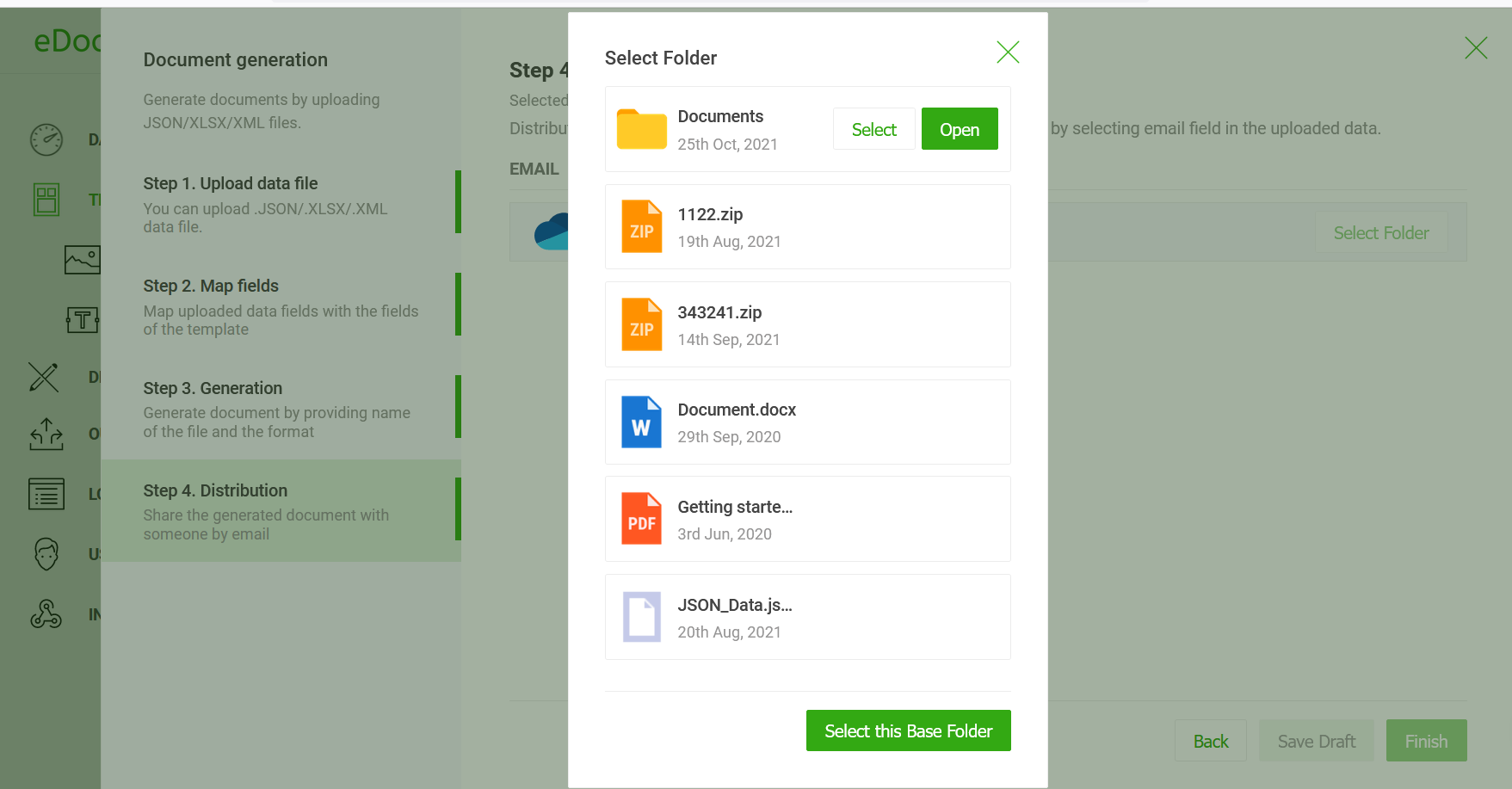
AWS S3
Archive generated documents to an S3 bucket. Configure bucket name, key prefix, and ACL settings. Supports versioning and lifecycle policies for long-term document storage.
Google Drive
Automatically save generated documents to Google Drive folders. Configure folder IDs and naming conventions to keep documents organised by project or client.
Approval Workflows
Route generated documents through one or more approvers before final delivery. Configure email notifications, approval actions, and rejection handling with an audit trail.
Developer & API Integrations
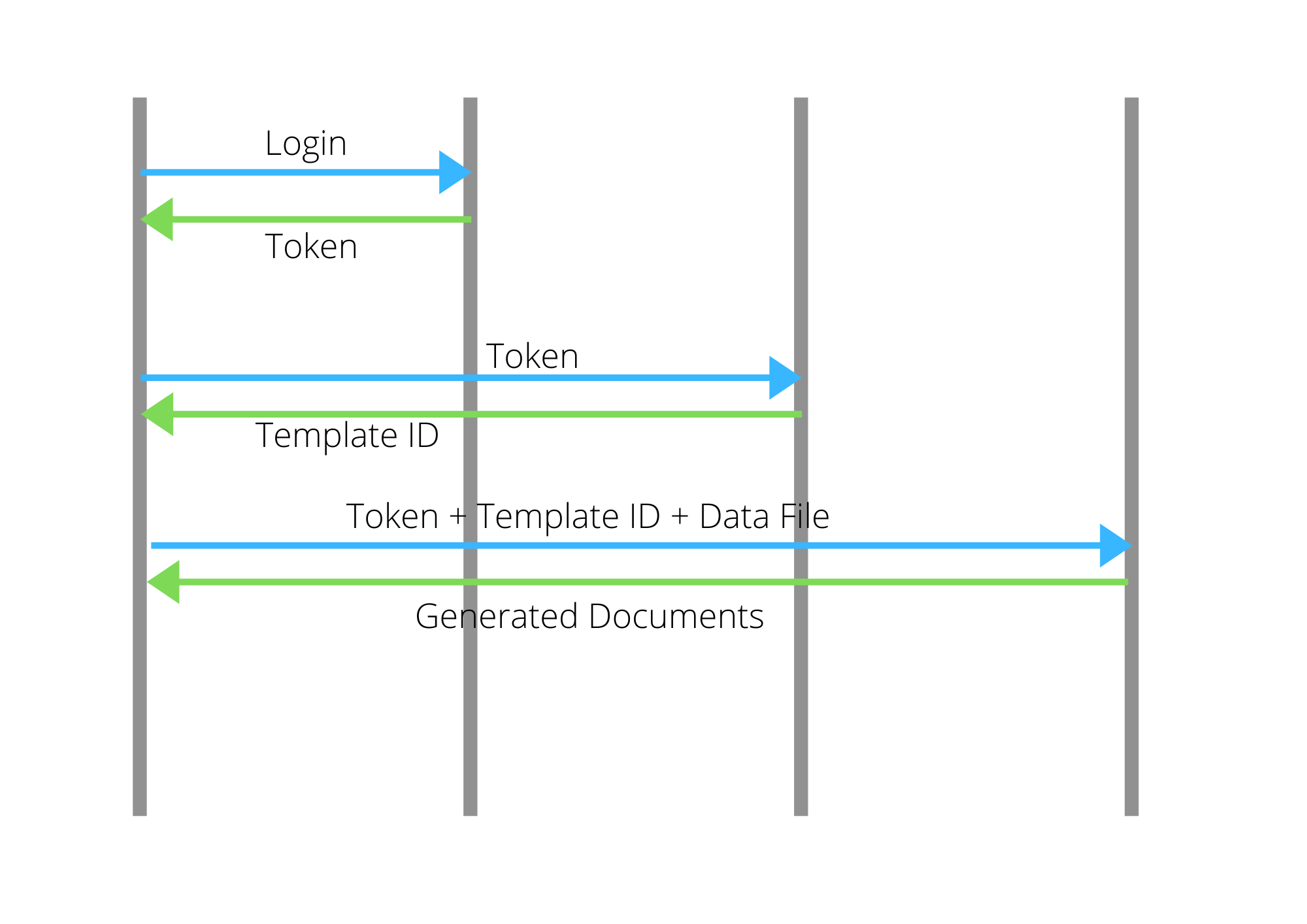
Integrate EDocGen into any application using the REST API or one of the language-specific SDK examples. All API calls use token-based authentication and return the generated document as a binary stream or download URL.
REST API Core Integration
EDocGen's REST API lets you trigger document generation from any application, workflow engine, or script. Authenticate once per session, then pass your template ID and data payload to generate a document and receive it as a binary response or download URL.
Python
Use the requests library to authenticate, upload a template, and generate documents in Python scripts, Django apps, or Flask microservices.
C# / .NET
Integrate EDocGen into .NET applications using HttpClient. The example project includes authentication service, caching with Redis, document service, and email delivery.
PHP
Call the EDocGen REST API from PHP using cURL or Guzzle. Works with Laravel, Symfony, WordPress, or standalone PHP scripts.
Java
Use the EDocGen REST API from Spring Boot or any Java application via RestTemplate or WebClient. Full Spring Boot example available with service layer and authentication.
Interactive Web Forms
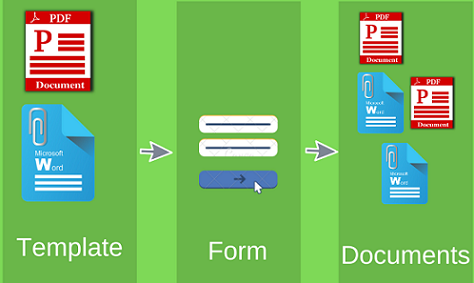
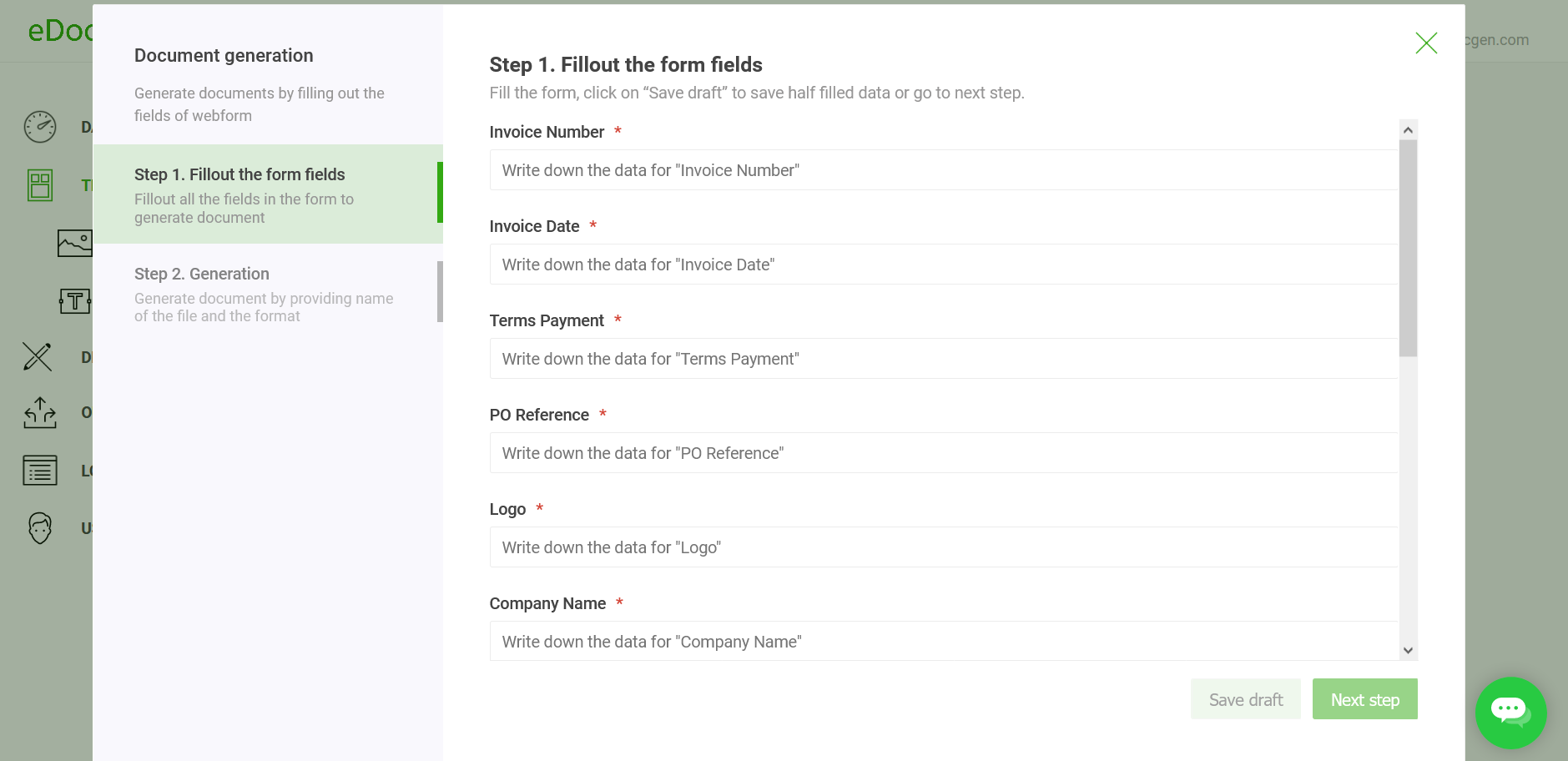
EDocGen automatically converts any Word or PDF template into a shareable web form — no coding required. Users fill the form, submit, and the completed document is generated and delivered instantly.
Auto-Generated Document Forms
Upload a template with dynamic tags and EDocGen creates a fully functional web form. Every {{FieldName}} in your template becomes an input field. The form is accessible via a shareable URL — no EDocGen account needed to fill it.
- 1Upload a Word or PDF template with dynamic field tags.
- 2EDocGen auto-generates a web form with one field per tag.
- 3Share the form URL with customers, staff, or vendors.
- 4On submission, EDocGen generates the completed document and emails or stores it automatically.
→ Document Form Setup · Digital Forms Guide · PDF to Fillable Form
SSO & Authentication
Enterprise customers can centralise authentication using Single Sign-On. EDocGen supports SAML 2.0, enabling your team to log in with their existing corporate identity provider credentials.
SAML 2.0 Single Sign-On
Enable SSO so users log in with their corporate credentials — no separate EDocGen password required. Supports the major enterprise identity providers.
Configuration requirements:
- 1Provide EDocGen with your Identity Provider (IdP) metadata URL or XML file.
- 2Configure your IdP with EDocGen's Entity ID and Assertion Consumer Service (ACS) URL.
- 3Map SAML attributes (email, name) to EDocGen user fields.
- 4Test SSO login from your IdP dashboard.
→ SSO Setup Guide · User Administration · Data Protection Addendum · HIPAA BAA

Complete Integration Reference
All EDocGen integrations at a glance.
CRM & Business Apps
Databases
Data File Formats
Email Delivery
Transactional email
Microsoft email
Google email
Amazon email service
Custom mail server
Cloud Storage & eSign
For Business
Document libraries
Object storage
Shared drives
eSignature
eSignature
Ready to Connect EDocGen to Your Stack?
Start a free trial and connect your first data source in under 10 minutes — no credit card required.
Start Free Trial Book a Demo