
From template to finished document in three steps — no coding, no manual formatting, no limits on volume.
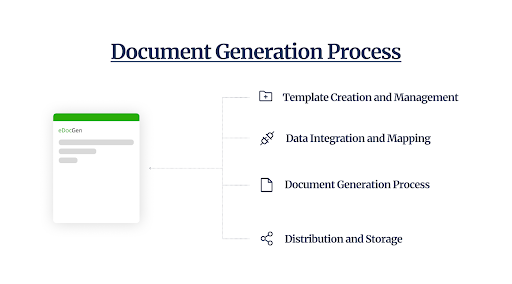
Follow the four steps below to go from an existing file to an automatically generated, distributed document.
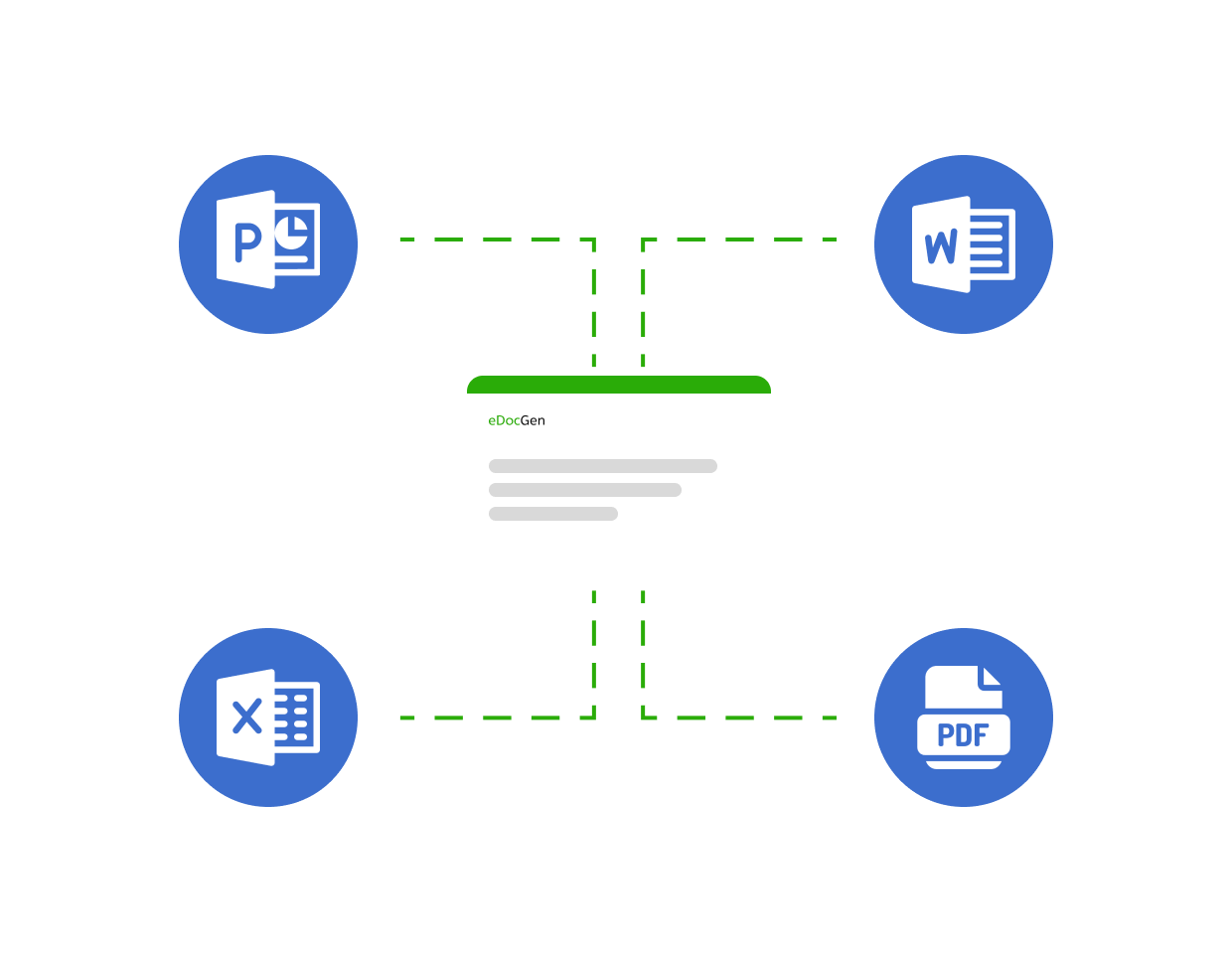
A document template is your existing Word, PDF, PowerPoint, or Excel file with dynamic merge tags added wherever live data should appear. EDocGen uses a straightforward tag syntax — no programming knowledge needed:
Your templates stay in their native format (Word, PDF, etc.). You never need to convert them. Add tags in Microsoft Word or PowerPoint Or Excel and upload directly in the system.
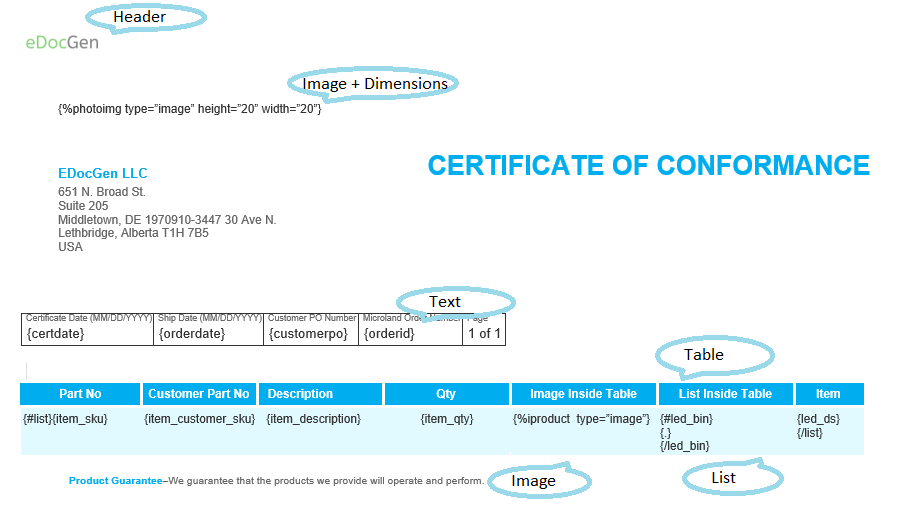
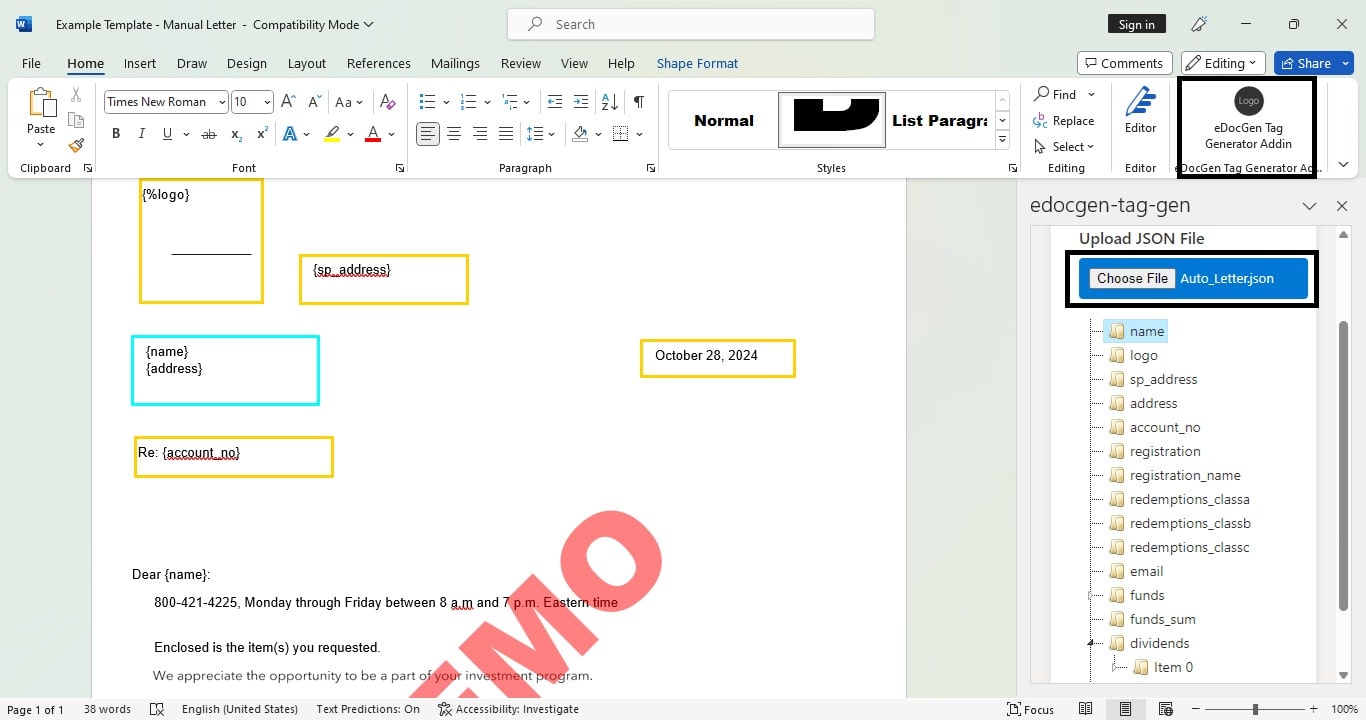
Supported template formats:
EDocGen connects natively to virtually every enterprise data source, database, and business application your organization relies on — with no custom middleware required.
📁 File-Based Sources
🗄️ Databases
☁️ Enterprise Applications
🖥️ Interactive Web Form
| Category | Supported Data Sources | Integration Method | Primary Use Cases |
|---|---|---|---|
| File-Based Data | JSON, XML, Excel (.xlsx), CSV | Direct File Upload or REST API Payload | Ad-hoc reporting, batch document generation, flat-file exports |
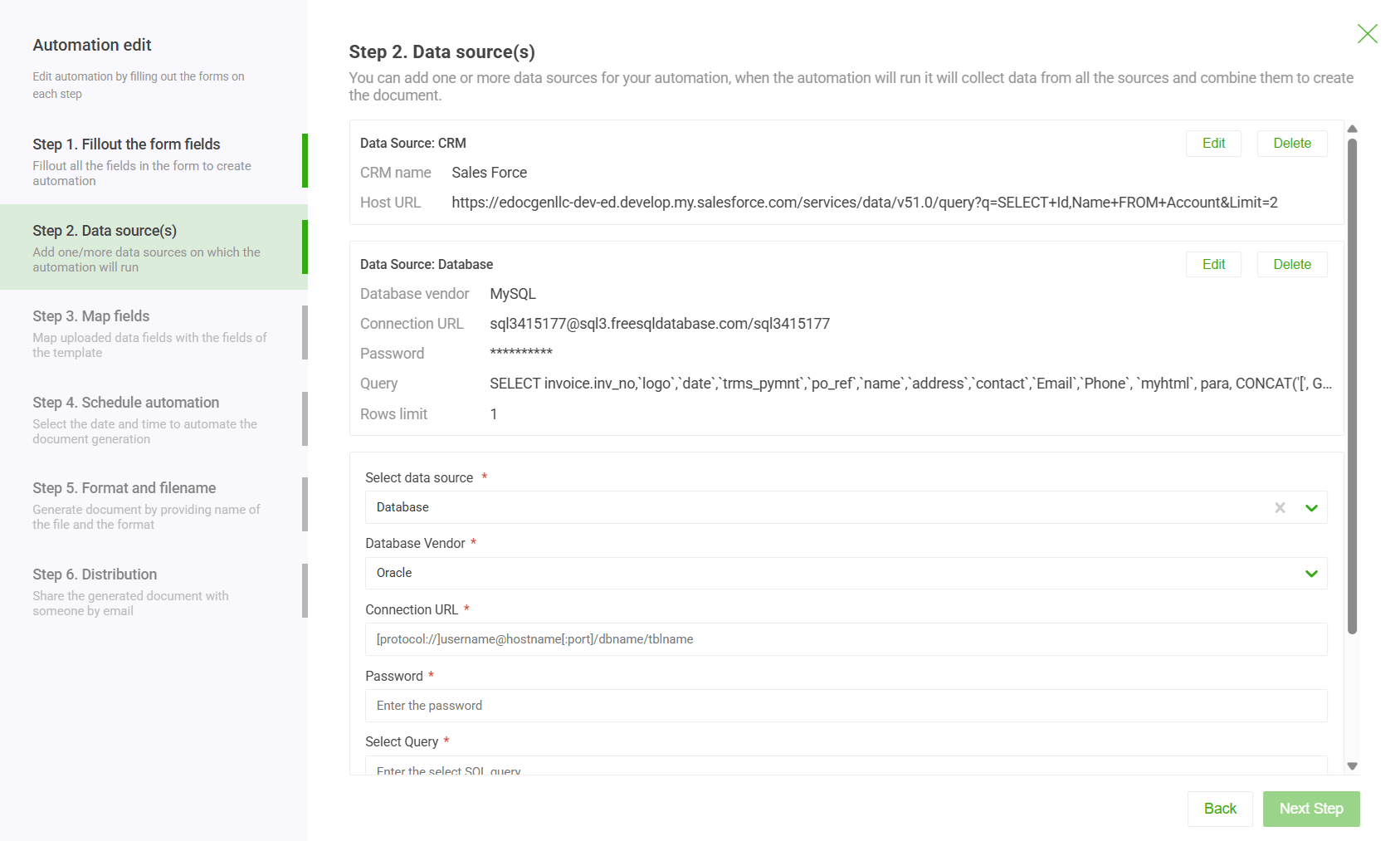
| Databases | SQL Server, Oracle, MySQL, PostgreSQL, MongoDB, Azure SQL | Native Connection String & Saved SQL Query | Automated bulk billing, periodic regulatory filings, enterprise data extraction |
| Enterprise Applications & CRMs | Salesforce, Microsoft Dynamics 365, HubSpot | Native App Integrations & OAuth Connectors | One-click sales proposals, customer contracts, onboarding packets |
| Developer SDKs & APIs | REST API (Python, C# / .NET, PHP, Java, Node.js) | JSON endpoint over HTTPS (Bearer Token Auth) | Embedded SaaS document generation, real-time trigger workflows |
| Web Forms | Auto-generated Interactive Forms | Shareable Web Link or Embedded iFrame | Self-service document creation, customer intake forms, dynamic surveys |
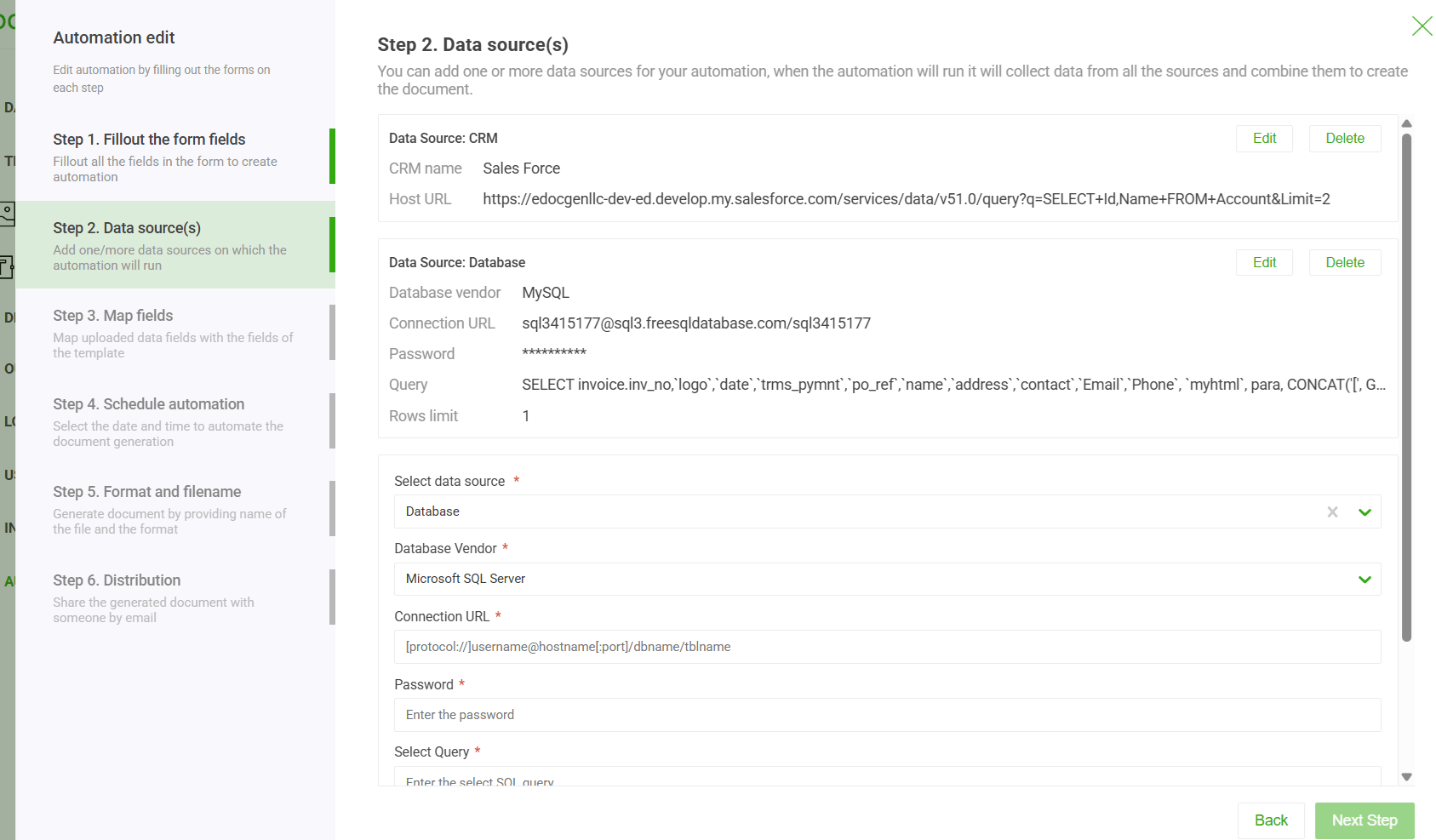 → JSON to PDF Example
→ Database to PDF Guide
→ Salesforce Integration
→ JSON to PDF Example
→ Database to PDF Guide
→ Salesforce Integration
Three generation modes cover every business scenario:
A single user triggers one document from a web form or button click. Returned immediately.
Upload a data file or run a database query to generate thousands of documents in one job.
Trigger generation from any application via REST API. Integrate with CRM, ERP, or workflow engine.
Minimal API call example:
 → Document Generation API Guide
→ Python Example
→ C# Example
→ Document Generation API Guide
→ Python Example
→ C# Example
Every generation job produces a finished document in your chosen format:
| Format | Common Use Case | Variants |
|---|---|---|
| Invoices, contracts, compliance reports | Fillable · Flattened · PCL5 / PostScript | |
| Word DOCX | Letters, proposals, onboarding packs | Editable after generation |
| PowerPoint PPTX | Sales decks, board reports, property presentations | Single slide · Multi-slide from arrays |
| Excel XLSX | Financial reports, bulk statements, data exports | Single sheet · Multi-sheet · Formulas preserved |
These capabilities are what separate enterprise document generation from a simple find-and-replace. Each is configured inside your template — no code required.

Show or hide sections, paragraphs, or rows based on data values. One template, multiple scenarios.
How to use IF-ELSE →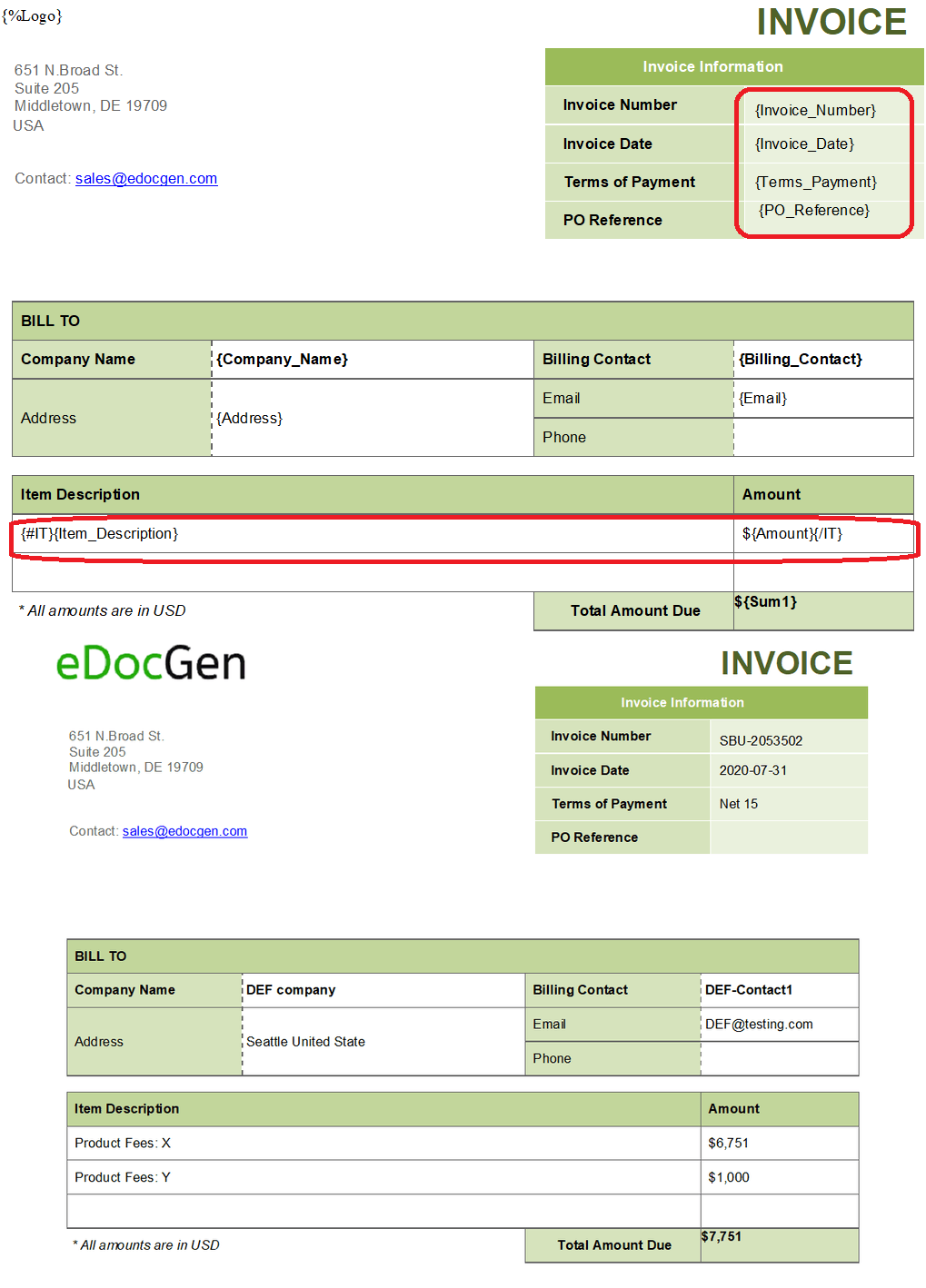
Repeat table rows, list items, or sections for every record in an array. No row limits.
How to use loops →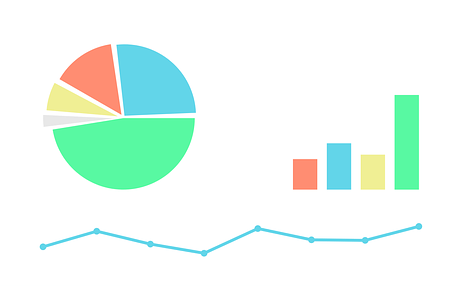
Auto-generate bar, pie, line, and area charts from live data. No manual chart editing.
How to add charts →
Insert logos, signatures, or photos from a URL, uploaded file, or Base64 string.
How to add images →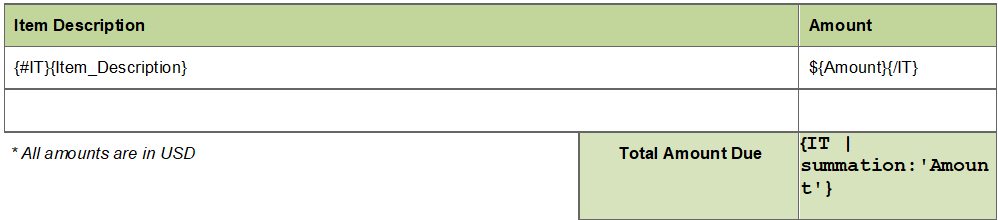
Compute totals, tax, and discounts directly inside templates. Perfect for invoices and statements.
How to add calculations →Dynamically embed QR codes and barcodes from data. Ideal for invoices, labels, and tracking.
How to add QR codes →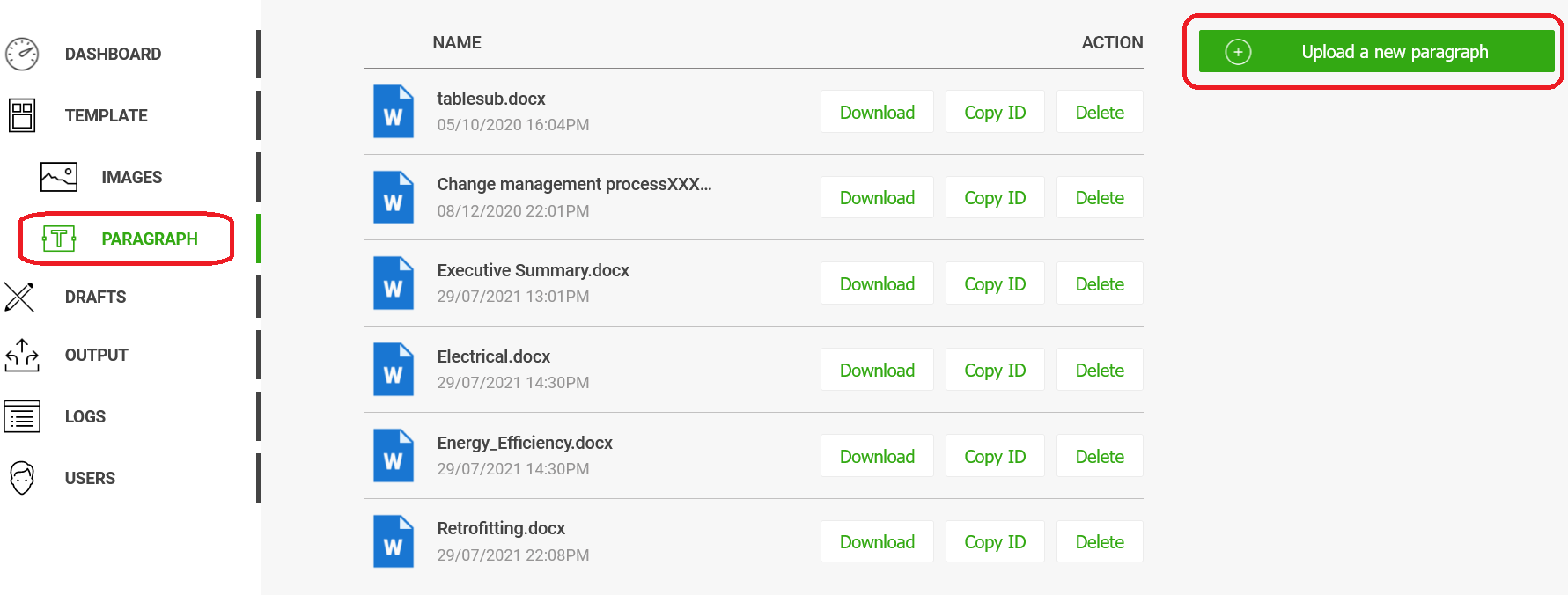
Inject entire paragraphs or embedded sub-templates conditionally. Build modular document layouts.
How to use content blocks →
Generate the same document in multiple languages from one template run. Supports Unicode and RTL.
Multi-lingual guide →
Deliver documents via email, eSign provider, or cloud storage in the same generation job.
Distribution options →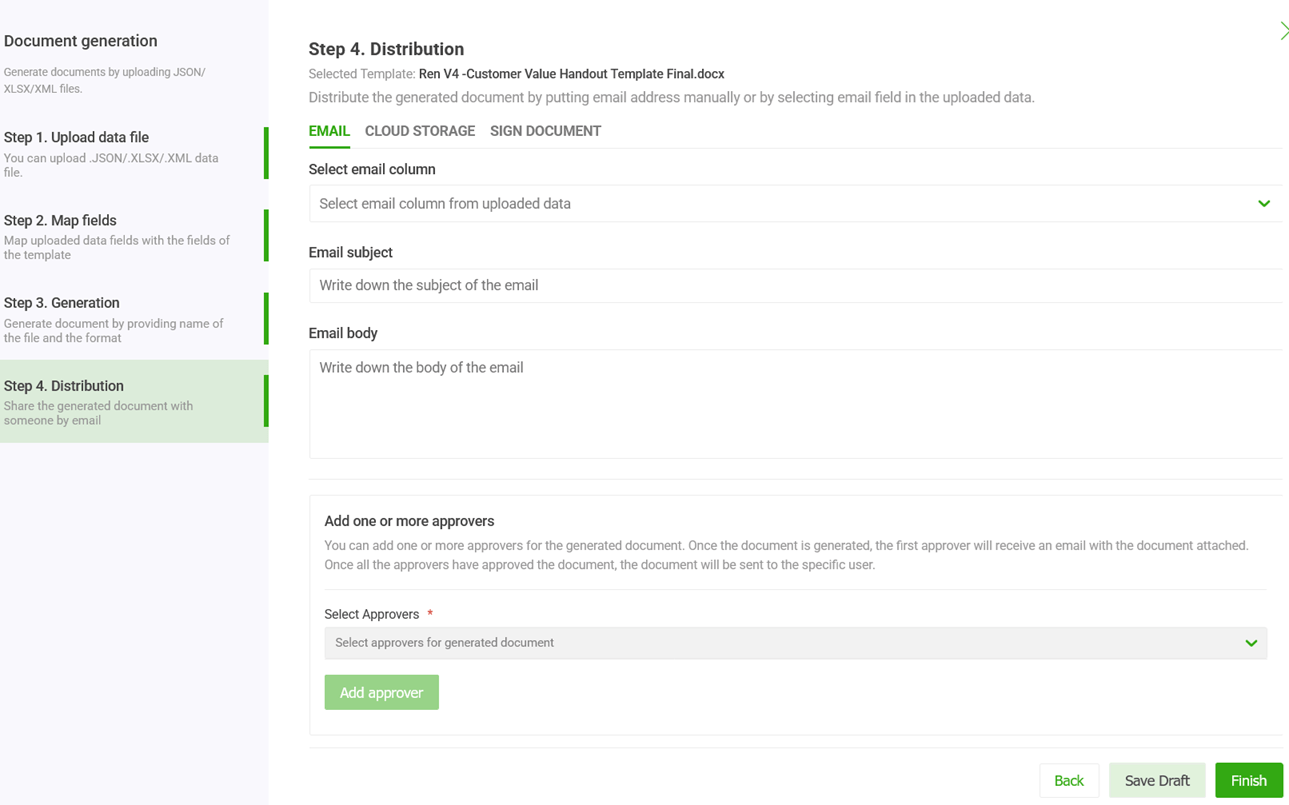
Route documents through one or more approvers before final delivery. Configure email notifications.
Workflow setup →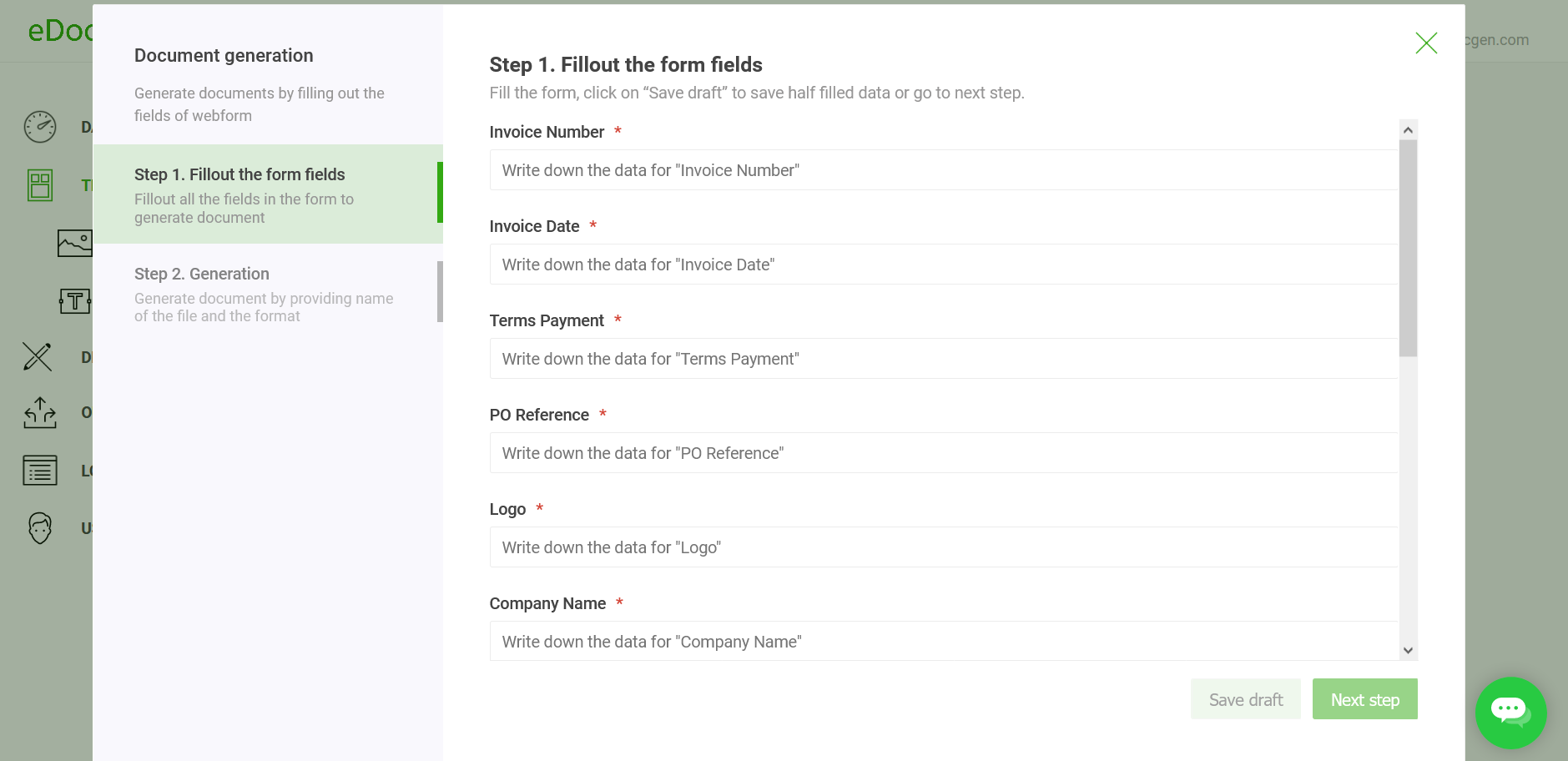
EDocGen converts any template into a shareable web form. Submission triggers document generation.
How forms work →
Google Cloud Platform, AES-256 encryption, HIPAA BAA available, data deleted after generation.
View BAA →See how the Template + Data → Document loop works for three common enterprise use cases.
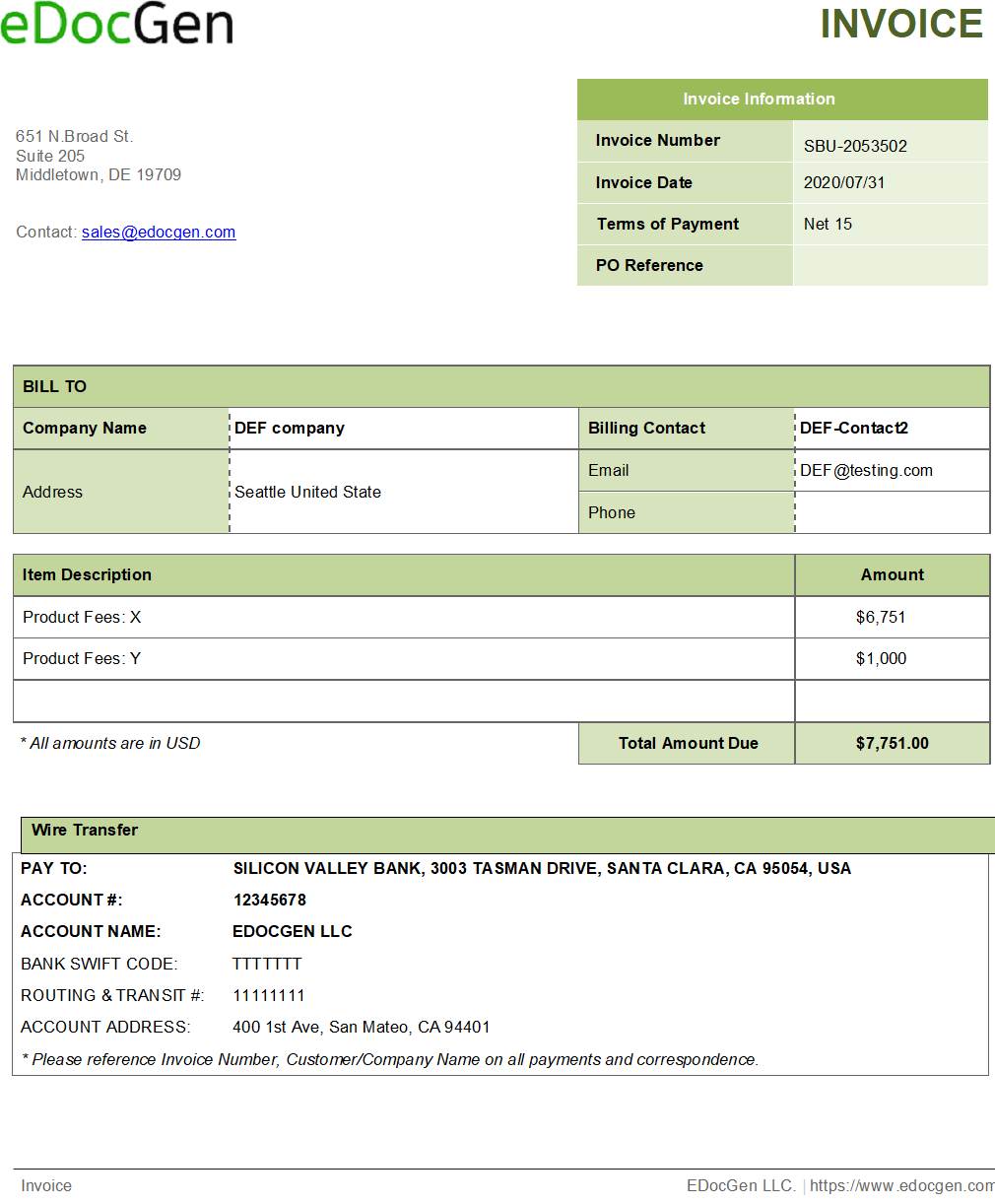
Generate thousands of personalised PDF invoices from a single database query or Excel file and auto-send to customer email addresses.
| Template | Word invoice with line-item loop, total calculation, company logo |
| Data | SQL Server order DB or Excel spreadsheet |
| Output | Batch PDFs emailed via SendGrid |
| Mode | Batch — thousands per run |
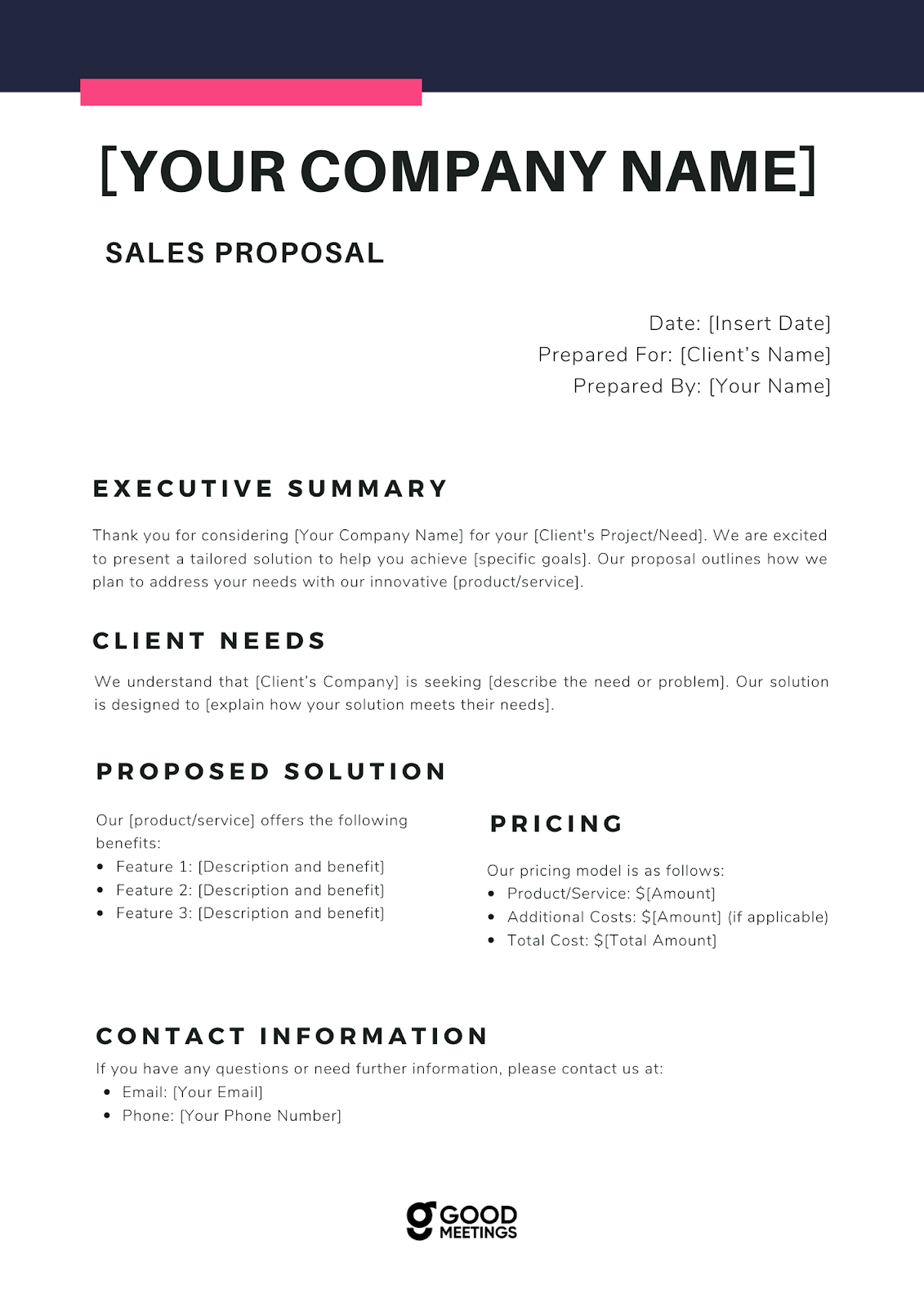
Generate a personalised sales proposal or pitch deck for every Salesforce opportunity with one click — no copying CRM fields manually.
| Template | PPTX proposal deck with conditional pricing & dynamic slides |
| Data | Salesforce opportunity and account objects |
| Output | Personalised PPTX or PDF per deal |
| Mode | On-demand — triggered from Salesforce |
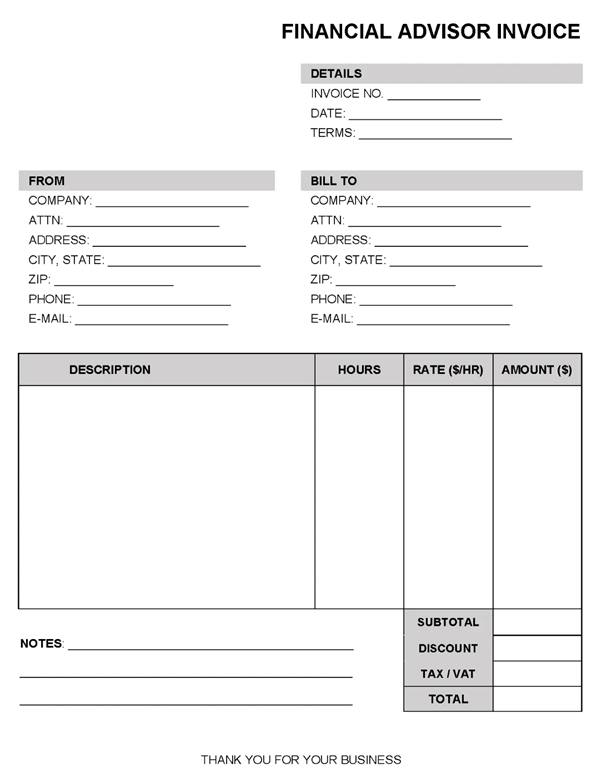
Pull data from Oracle or PostgreSQL, populate a PDF report template, and sync reports to SharePoint — no manual work at any step.
| Template | PDF report with dynamic tables, charts & conditional sections |
| Data | Oracle / PostgreSQL via connection string + SQL query |
| Output | Batch PDFs synced to SharePoint or S3 |
| Mode | Scheduled batch — nightly or weekly |
EDocGen plugs into the systems your teams already use — no new middleware or data pipelines required.
Everything buyers, developers, and IT teams ask before getting started.
Book a 20-minute demo and we will walk through your specific use case live.
Book a Free DemoUpload your first template and generate your first document in under 10 minutes — no credit card required.
Book a Demo